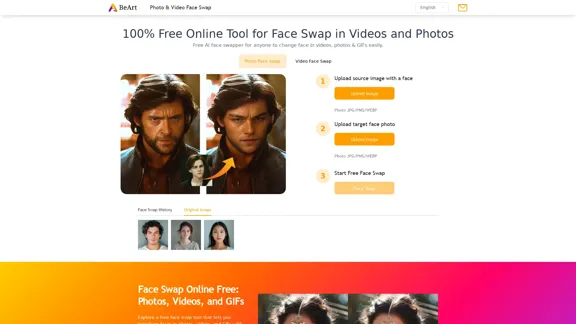
BeArt AI offers a free online tool for face swapping in photos, videos, and GIFs. This AI-powered face swapper allows users to easily change faces with precision, making it suitable for creating memes, enhancing group photos, or simply having fun. The platform ensures seamless results without the need for downloads or watermarks, catering to both casual users and content creators.
Free Online AI Face Swap for Images, Videos & GIFs
Try the best free face swap for photos, videos, and GIFs. No download, no watermark—upload and swap faces in seconds. Perfect for deepfakes. Start now online!
Introduction
Feature
-
Photo Face Swap
Upload a photo, select the face to replace, and let the AI generate ultra-realistic results in seconds. The tool handles complex lighting and angles effectively.
-
Video Face Swap
Users can upload videos and swap faces effortlessly. The AI technology ensures smooth transitions, making it ideal for social media clips and entertaining content.
-
GIF Face Swap
Create humorous GIFs by uploading a favorite GIF and swapping faces. The process is quick and allows for endless creative possibilities.
-
User-Friendly Interface
The platform is designed for ease of use, making it accessible for both beginners and experienced users.
-
No Watermarks
Enjoy high-quality face swaps without watermarks, allowing for unrestricted sharing of creations.
-
Fast and Efficient
The AI tools provide instant results, enabling users to complete face swaps in a matter of seconds.
How to Use?
- Upload your photo, video, or GIF for a quick face swap.
- Choose a target face from a preset template or upload a custom face.
- Start the face swap and adjust as needed.
- Download and share your creation directly on social media.
FAQ
What is BeArt AI?
BeArt AI is a free online tool that allows users to swap faces in photos, videos, and GIFs using AI technology.
How does the face swap process work?
Users upload their media, select the face to swap, and the AI seamlessly replaces the faces, ensuring realistic results.
Can I use the face swap tool without downloading software?
Yes, BeArt AI operates entirely online, requiring no downloads.
Is there a watermark on the output?
No, the face swap results are free of watermarks.
How secure is my data?
All uploaded images and videos are processed securely, with data deleted after use to protect user privacy.
Price
- Free: $0/month
The price is for reference only, please refer to the latest official data for actual information.
Evaluation
- BeArt AI provides an impressive and user-friendly face swapping experience, making it accessible for all users.
- The tool delivers high-quality, realistic results quickly, which is beneficial for social media content creation.
- However, the platform could improve by offering more advanced editing features for users seeking greater customization.
- While the tool is free, users may eventually desire more features or capabilities that could be offered in a premium version.
Related Websites
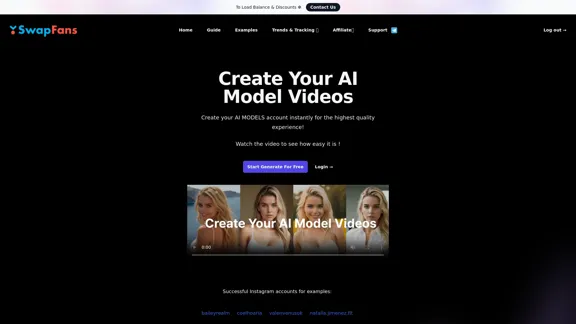
Create your AI MODELS account instantly for the highest quality experience! Watch the video to see how easy it is !
41.00 K
Minimax AI Video Generator | Minimax AI Video Generator | Hailuo AI abab-video-1
Minimax AI Video Generator | Minimax AI Video Generator | Hailuo AI abab-video-1Generate Minimax AI Video Free Online abab-video-1. Free Online | No Credit Card or Login Required
0
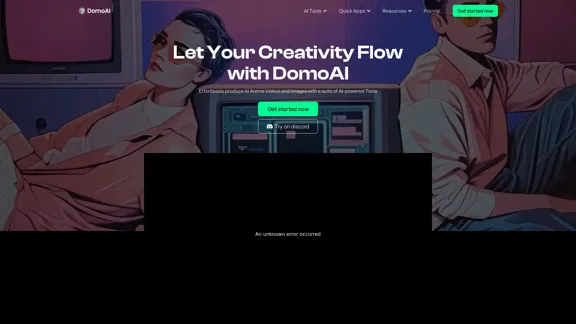
DomoAI | AI Art Generator & Video to Animation Converter
DomoAI | AI Art Generator & Video to Animation ConverterAI video editor that converts videos, text, and images into animation. Make your character move as you want.
1.03 M
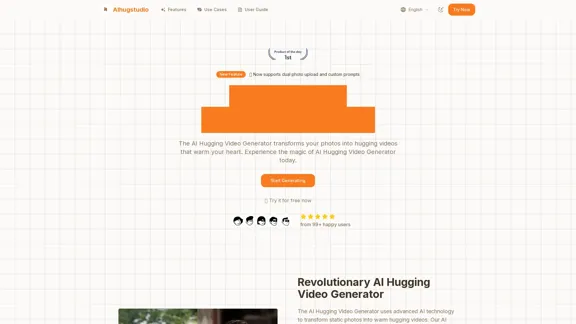
AI Hugging Video Generator Free: Create AI-generated Hugging Videos
AI Hugging Video Generator Free: Create AI-generated Hugging VideosGenerate AI hug videos with AIhugstudio! Our AI hug video generator can instantly create realistic hugs using the power of AI.
0
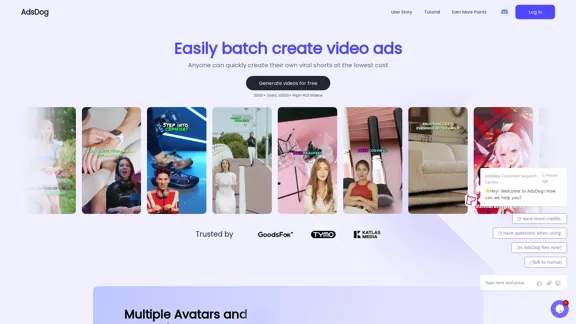
AdsDog is a video ad creation tool designed to help users easily batch create engaging video ads at a low cost
93
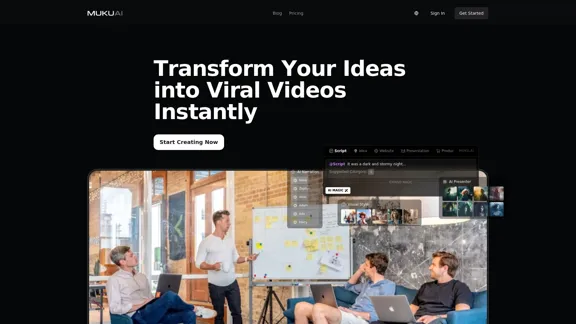
MukuAI: AI-Powered Viral Video Creator | Effortless Content for TikTok, Instagram & YouTube
MukuAI: AI-Powered Viral Video Creator | Effortless Content for TikTok, Instagram & YouTubeTransforms ideas into viral-ready videos for social media.
9.71 K
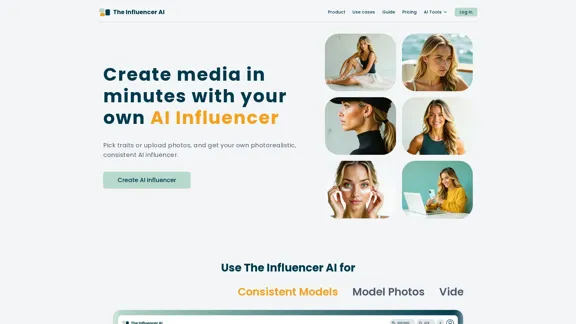
AI influencer content in minutes: create stunning images and videos with one consistent virtual persona, skipping weeks of production with The Influencer AI.
111.22 K
WanVideo AI: All-in-One AI Image, Music, and Video Generator
WanVideo AI: All-in-One AI Image, Music, and Video GeneratorCreate professional-quality videos, images, and music using WanVideo AI. Powered by Alibaba's Wan2.1, Flux AI, and Suno AI technologies. Try our all-in-one AI creative platform for free!
16.34 K