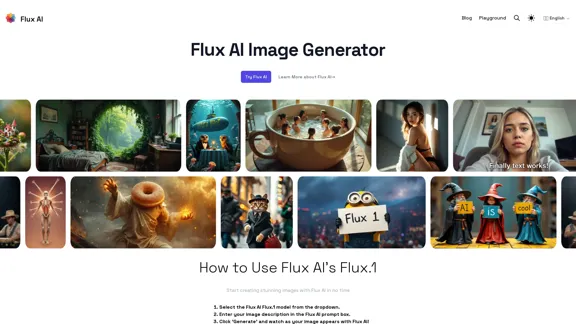
Flux AI is an innovative image generation tool powered by the Flux.1 model. This AI-driven platform allows users to create stunning, high-quality images from text descriptions. Developed by Black Forest Labs, Flux AI offers various model variants to cater to different creative needs and skill levels.
Flux AI: Image Generator With Flux.1
Discover Flux AI's powerful image generator with Flux.1
Introduction
Feature
-
Precision Text Rendering
- Excels at creating clear, readable text in images
- Ideal for designs requiring legible content
-
Complex Composition Mastery
- Crafts detailed scenes with precision
- Advanced understanding of spatial relationships
-
Enhanced Anatomical Accuracy
- Renders human features more realistically
- Improves accuracy of hands and faces
-
Multiple Model Variants
- Flux.1 [dev]: Development version
- Flux.1 [pro]: Professional version
- Flux.1 [schnell]: Quick generation version
-
User-Friendly Interface
- Simple 3-step process:
- Select Flux.1 model
- Enter image description
- Click 'Generate'
- Simple 3-step process:
-
Open-Source Accessibility
- Free to use, though platform costs may apply
How to Use?
-
Experiment with different model variants to find the best fit for your project.
-
Use clear, descriptive language in your prompts for better results.
-
For designs with text, leverage Flux AI's precision text rendering capabilities.
-
When creating complex scenes, provide detailed spatial information in your prompt.
-
For realistic human features, focus on describing specific anatomical details.
-
Check licensing terms before using generated images for commercial purposes.
FAQ
What is Flux AI's Flux.1?
Flux.1 is an open-source image generation model developed by Black Forest Labs, capable of creating diverse images from text descriptions.
How do I use Flux AI's Flux.1?
Select the Flux.1 model from the dropdown, enter your image description in the prompt box, and click 'Generate'.
What types of images can Flux AI's Flux.1 create?
Flux.1 can generate a wide range of images, from landscapes to detailed scenes with text.
Is Flux AI's Flux.1 free to use?
Yes, the model is open-source and free, but there may be costs associated with the platform you use to access it, such as BasedLabs.
Can I sell images created with Flux AI's Flux.1?
Commercial use can be complex. It's essential to review Black Forest Labs' licensing terms before using generated images for commercial purposes.
What's the difference between Flux.1 [dev], [pro], and [schnell]?
Each variant offers unique features: [dev] for development purposes, [pro] for high-quality images, and [schnell] for quick generation. Choose based on your specific needs.
Evaluation
-
Flux AI's Flux.1 model demonstrates impressive capabilities in image generation, particularly excelling in text rendering and complex compositions.
-
The availability of multiple model variants (dev, pro, schnell) provides flexibility for users with different needs and skill levels.
-
The open-source nature of Flux.1 is a significant advantage, making it accessible to a wide range of users.
-
The platform's user-friendly interface simplifies the image generation process, making it approachable for beginners.
-
While the tool shows promise in anatomical accuracy, this remains a challenging area for AI image generation and may still require improvement.
-
The lack of clear information about licensing and commercial use could be a potential drawback for users looking to monetize their creations.
-
Integration with platforms like BasedLabs may incur costs, which could be a consideration for some users.
-
Overall, Flux AI's Flux.1 appears to be a powerful and versatile tool for AI-driven image generation, suitable for both casual users and professionals in creative fields.
Related Websites
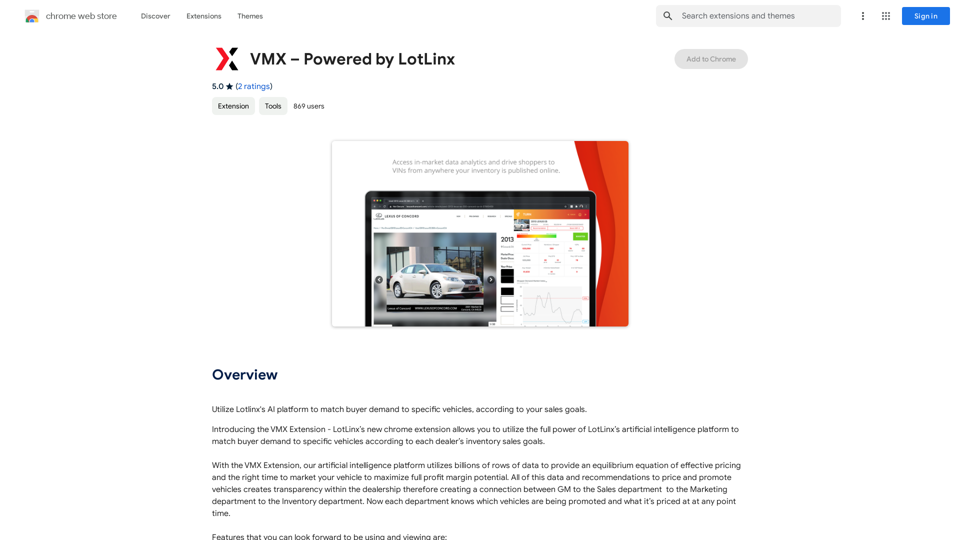
Utilize Lotlinx's AI platform to match buyer demand to specific vehicles, according to your sales goals.
193.90 M
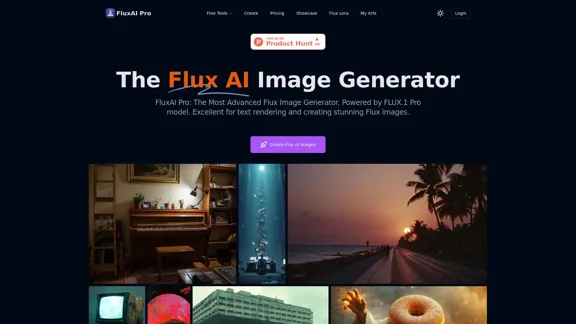
FluxAI Pro: Superior Flux Image Generator with exceptional text rendering. Powered by FLUX.1 Pro, Dev, Schnell and Realism models.
171.41 K
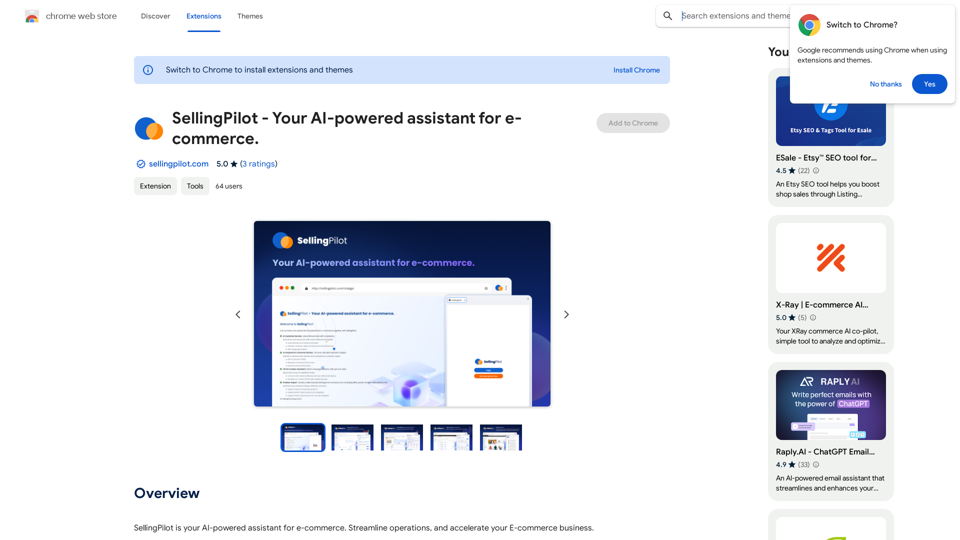
SellingPilot - Your AI-powered assistant for e-commerce.
SellingPilot - Your AI-powered assistant for e-commerce.SellingPilot is your AI-powered assistant for e-commerce. It helps you streamline your operations and accelerate your e-commerce business.
193.90 M
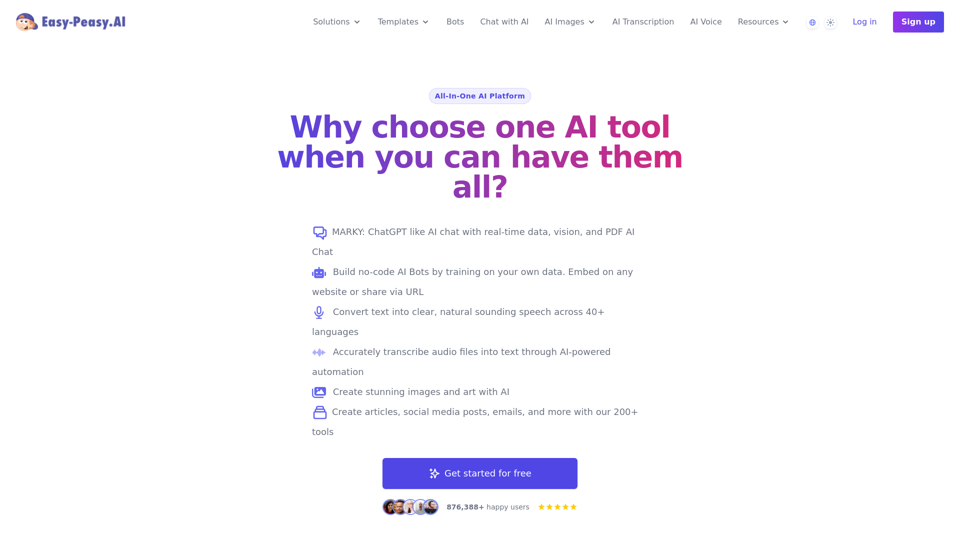
Best AI Writer, Content Generator & Copywriting Assistant | Easy-Peasy.AI
Best AI Writer, Content Generator & Copywriting Assistant | Easy-Peasy.AIYour One-Stop Solution for Content Creation, Image Crafting, Audio Generation, and AI Transcription.
1.14 M
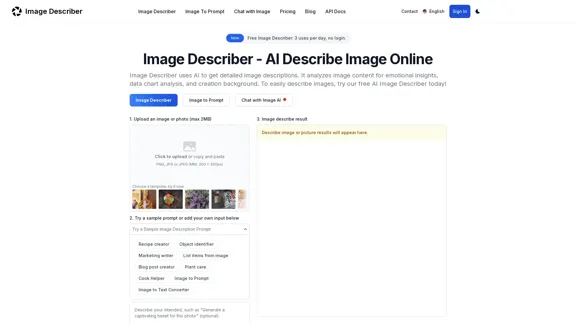
Image Describer - Free AI to Describe Images Online (No Login Required)
Image Describer - Free AI to Describe Images Online (No Login Required)Discover AI-Powered Image Descriptions with Image Describer. Gain Instant Insights and Unlock New Perspectives and Efficiency for Your Work and Creations. Join Us Today!
25.53 K
AI Describe Picture & Image | Free AI-generated image description
AI Describe Picture & Image | Free AI-generated image descriptionAI picture & image description generator, helping you quickly generate image descriptions.
7.04 K