Open-source RightAI Tools Directory
  • Discover AI
  • Submit
  • Startup
  • Blog
Open-source RightAI Tools Directory
Discover the best AI tools of 2025 with the RightAI Tools Directory!

Friend Links

AI Anime GeneratorToolsApp AI

Support

Tap4
Privacy policyTerms & ConditionsContact Us
Loading...
loading...

Text Generation for X (formerly Twitter)

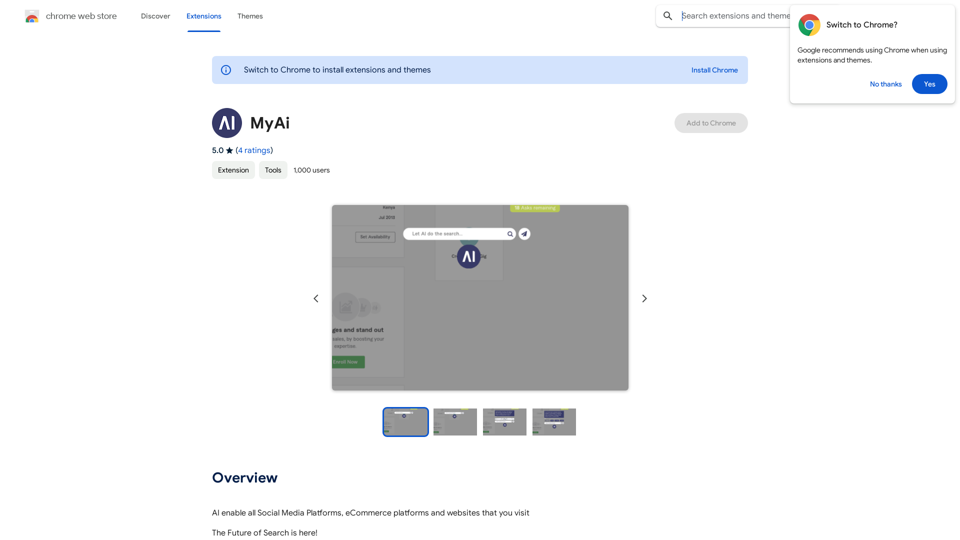
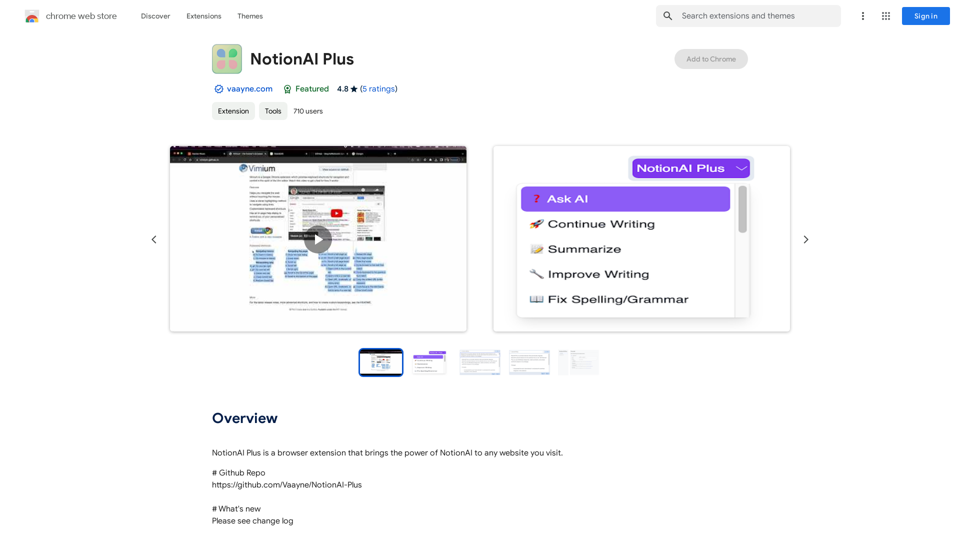
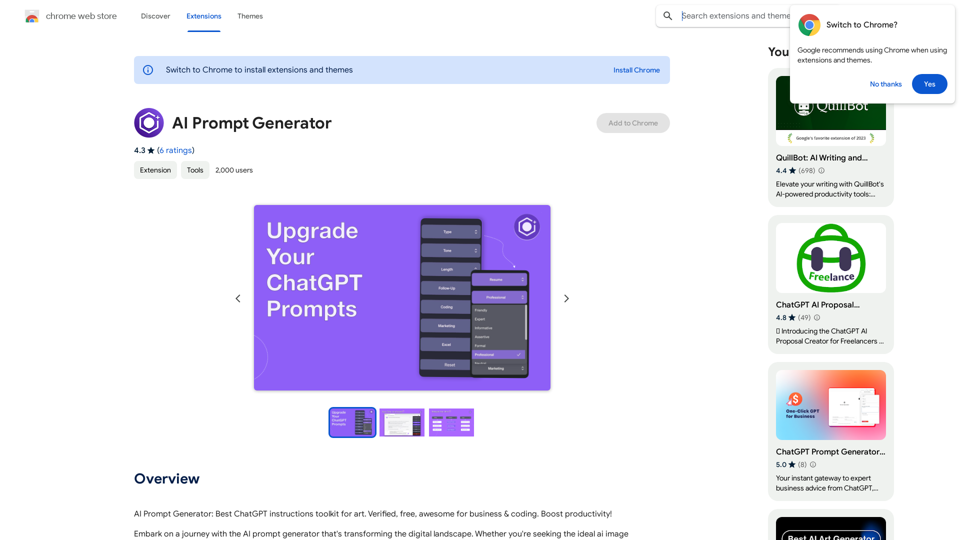
This is a Chrome extension that analyzes images you want to post to X (formerly Twitter) and automatically generates alternative text for them.
Visit Website
Text Generation for X (formerly Twitter)
Visit Website

Introduction

AltText.ai is an AI-driven platform offering a wide range of AI technologies for image understanding, text generation, and image creation. It provides tools for generating alt text, connecting to user accounts, and extracting text from images. The platform utilizes advanced AI technologies like OpenAI Vision API and Dalle3 for various tasks.

Feature

AI-Powered Image Analysis

AltText.ai employs OpenAI Vision API (gpt-4-vision-preview) to analyze images and generate accurate alt text, enhancing accessibility and image understanding.

Text Generation from Images

The platform offers an Image to Text feature, allowing users to extract text content from pictures efficiently.

Image Creation with AI

Utilizing Dalle3's text-to-image generation capability, AltText.ai enables users to create images from textual descriptions.

Free AI Tools Submission

AltText.ai provides a platform for users to explore and submit free AI tools, expanding the range of available AI-powered solutions.

Chrome Extension

A dedicated Chrome extension simplifies the use of AltText.ai's features directly from the browser, streamlining the user experience.

Flexible Pricing Options

The platform offers both free and paid subscription models, catering to different user needs and usage levels.

FAQ

How do I get started with AltText.ai?

To begin using AltText.ai:

  1. Install the Chrome extension from the Chrome Web Store
  2. Configure your API Key in the extension's options
  3. Start using the extension to generate alt text, connect to your account, and extract text from images

What are the main benefits of using AltText.ai?

Key benefits include:

  • Effortless text extraction from images
  • AI-powered image understanding and alt text generation
  • Access to a variety of free AI tools
  • Seamless integration through a browser extension

Is AltText.ai free to use?

AltText.ai offers a free version with limited usage and a paid subscription for extended access and additional features, providing flexibility for different user needs.

Related Websites
Visual Search
View Detail

Visual Search

Visual Search

This extension connects Flickr Explore with EyeRecognize's image search feature.

193.90 M
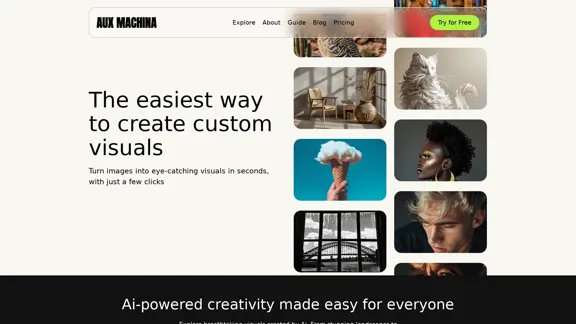
Kie.ai's 4o Image API: Cost-effective, Reliable, and Very Accurate AI Image Creation
View Detail

Kie.ai's 4o Image API: Cost-effective, Reliable, and Very Accurate AI Image Creation

Kie.ai's 4o Image API: Cost-effective, Reliable, and Very Accurate AI Image Creation

Kie.ai’s 4o Image API offers affordable, stable, and highly accurate AI image generation, enabling creators to easily produce high-quality visuals. It provides reliable and efficient solutions for various creative projects, including text-to-image and image-to-image transformations, as well as a range of visual styles.

356.51 K
Get your top AI Tools | ToolsApp AI Tools Directory
View Detail

Get your top AI Tools | ToolsApp AI Tools Directory

Get your top AI Tools | ToolsApp AI Tools Directory

ToolsApp AI Directory is a tool that provides a free directory of AI tools. Find your favorite AI tools with ToolsApp AI Directory. ToolsApp AI Directory aims to gather all AI tools and offer the best options for users.

0
AI Video Editor - Text to Video By Viggle
View Detail

AI Video Editor - Text to Video By Viggle

AI Video Editor - Text to Video By Viggle

Generate videos from text prompts with our Text-to-Video tool based on OpenAI Viggle.

193.90 M
Free QR Code AI Art Generator (2024) • Scanner, Link in Bio, Smart Link, Analytics, Workspace, Monkey, Tiger
View Detail

Free QR Code AI Art Generator (2024) • Scanner, Link in Bio, Smart Link, Analytics, Workspace, Monkey, Tiger

Free QR Code AI Art Generator (2024) • Scanner, Link in Bio, Smart Link, Analytics, Workspace, Monkey, Tiger

Create an artistic QR Code for free, featuring images, logos, colors, and shapes. Select from templates that link to your website, email, WiFi, URL, phone, UPI, PIX, or Rick Roll. Use tools like Canva, Adobe, or Google to design. Compatible with Android and iOS devices. A top alternative to QR Monkey, Tiger, Chimp, and Unitag.

194.49 K
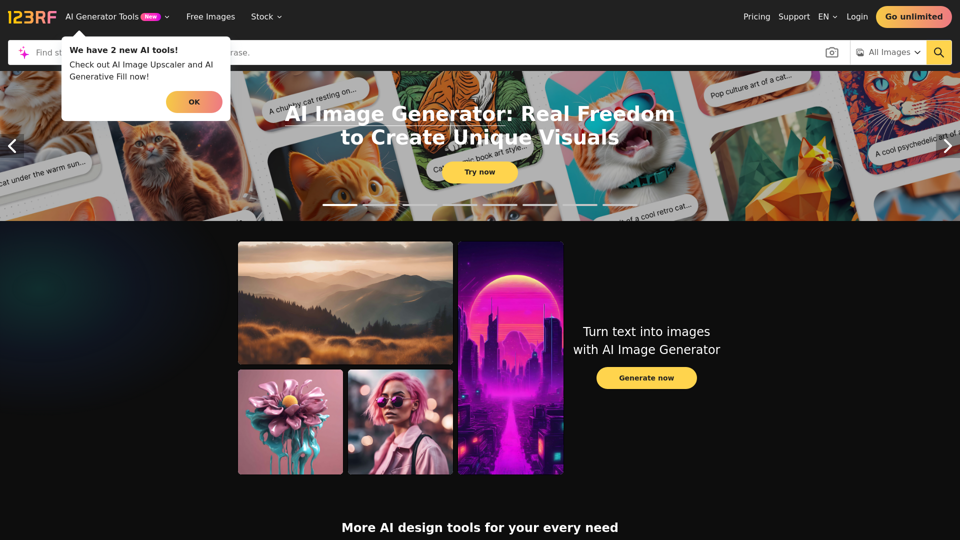
Midjourney API - Automate Midjourney AI Image Generation 

This document outlines how to use the Midjourney API to automate the generation of AI images. 

What is the Midjourney API?

The Midjourney API allows developers to programmatically interact with the powerful Midjourney AI model. This means you can generate images, control various parameters, and integrate Midjourney into your own applications and workflows.

Why Use the Midjourney API?

* Automation: Automate the creation of images for various purposes, such as marketing materials, website content, or research projects.
* Customization: Fine-tune image generation by controlling parameters like aspect ratio, style, and seed values.
* Integration: Seamlessly integrate Midjourney's capabilities into your existing tools and platforms.

Getting Started

1. Sign Up for a Midjourney Account: You'll need a Midjourney account to access the API.

2. Obtain an API Key: Once you have an account, you can generate an API key from your account settings.

3. Choose a Programming Language: The Midjourney API supports various programming languages, including Python, JavaScript, and Go.

4. Install the API Client: Install the appropriate API client library for your chosen language.

5. Start Generating Images: Use the API client to send image generation requests to the Midjourney server.

Example (Python):

```python
import midjourney

Replace with your actual API key
api_key = "YOUR_API_KEY"

Create a Midjourney client
client = midjourney.Client(api_key=api_key)

Generate an image
response = client.create_image(prompt="A cat wearing a hat", num_images=1)

Print the image URL
print(response.images[0].url)
```

Documentation and Resources

For detailed information about the Midjourney API, including available endpoints, parameters, and examples, please refer to the official documentation: [https://docs.midjourney.com/](https://docs.midjourney.com/)
View Detail

Midjourney API - Automate Midjourney AI Image Generation This document outlines how to use the Midjourney API to automate the generation of AI images. What is the Midjourney API? The Midjourney API allows developers to programmatically interact with the powerful Midjourney AI model. This means you can generate images, control various parameters, and integrate Midjourney into your own applications and workflows. Why Use the Midjourney API? * Automation: Automate the creation of images for various purposes, such as marketing materials, website content, or research projects. * Customization: Fine-tune image generation by controlling parameters like aspect ratio, style, and seed values. * Integration: Seamlessly integrate Midjourney's capabilities into your existing tools and platforms. Getting Started 1. Sign Up for a Midjourney Account: You'll need a Midjourney account to access the API. 2. Obtain an API Key: Once you have an account, you can generate an API key from your account settings. 3. Choose a Programming Language: The Midjourney API supports various programming languages, including Python, JavaScript, and Go. 4. Install the API Client: Install the appropriate API client library for your chosen language. 5. Start Generating Images: Use the API client to send image generation requests to the Midjourney server. Example (Python): ```python import midjourney Replace with your actual API key api_key = "YOUR_API_KEY" Create a Midjourney client client = midjourney.Client(api_key=api_key) Generate an image response = client.create_image(prompt="A cat wearing a hat", num_images=1) Print the image URL print(response.images[0].url) ``` Documentation and Resources For detailed information about the Midjourney API, including available endpoints, parameters, and examples, please refer to the official documentation: [https://docs.midjourney.com/](https://docs.midjourney.com/)

Midjourney API - Automate Midjourney AI Image Generation This document outlines how to use the Midjourney API to automate the generation of AI images. What is the Midjourney API? The Midjourney API allows developers to programmatically interact with the powerful Midjourney AI model. This means you can generate images, control various parameters, and integrate Midjourney into your own applications and workflows. Why Use the Midjourney API? * Automation: Automate the creation of images for various purposes, such as marketing materials, website content, or research projects. * Customization: Fine-tune image generation by controlling parameters like aspect ratio, style, and seed values. * Integration: Seamlessly integrate Midjourney's capabilities into your existing tools and platforms. Getting Started 1. Sign Up for a Midjourney Account: You'll need a Midjourney account to access the API. 2. Obtain an API Key: Once you have an account, you can generate an API key from your account settings. 3. Choose a Programming Language: The Midjourney API supports various programming languages, including Python, JavaScript, and Go. 4. Install the API Client: Install the appropriate API client library for your chosen language. 5. Start Generating Images: Use the API client to send image generation requests to the Midjourney server. Example (Python): ```python import midjourney Replace with your actual API key api_key = "YOUR_API_KEY" Create a Midjourney client client = midjourney.Client(api_key=api_key) Generate an image response = client.create_image(prompt="A cat wearing a hat", num_images=1) Print the image URL print(response.images[0].url) ``` Documentation and Resources For detailed information about the Midjourney API, including available endpoints, parameters, and examples, please refer to the official documentation: [https://docs.midjourney.com/](https://docs.midjourney.com/)

Easily integrate Midjourney AI into your apps using the Midjourney API. Start creating AI images automatically today!

0
Best AI Writer, Content Generator & Copywriting Assistant | Easy-Peasy.AI
View Detail

Best AI Writer, Content Generator & Copywriting Assistant | Easy-Peasy.AI

Best AI Writer, Content Generator & Copywriting Assistant | Easy-Peasy.AI

Your One-Stop Solution for Content Creation, Image Crafting, Audio Generation, and AI Transcription.

1.14 M
Free AI Photo Editor: Simplify Photo Editing Online - AI Ease
View Detail

Free AI Photo Editor: Simplify Photo Editing Online - AI Ease

Free AI Photo Editor: Simplify Photo Editing Online - AI Ease

Simplify and automate your photo editing with AI Ease. Experience a variety of AI photo editing tools to enhance every aspect of your images for free.

2.46 M