Open-source RightAI Tools Directory
  • Discover AI
  • Submit
  • Startup
  • Blog
Open-source RightAI Tools Directory
Discover the best AI tools of 2025 with the RightAI Tools Directory!

Friend Links

AI Anime GeneratorToolsApp AI

Support

Tap4
Privacy policyTerms & ConditionsContact Us
Loading...
loading...

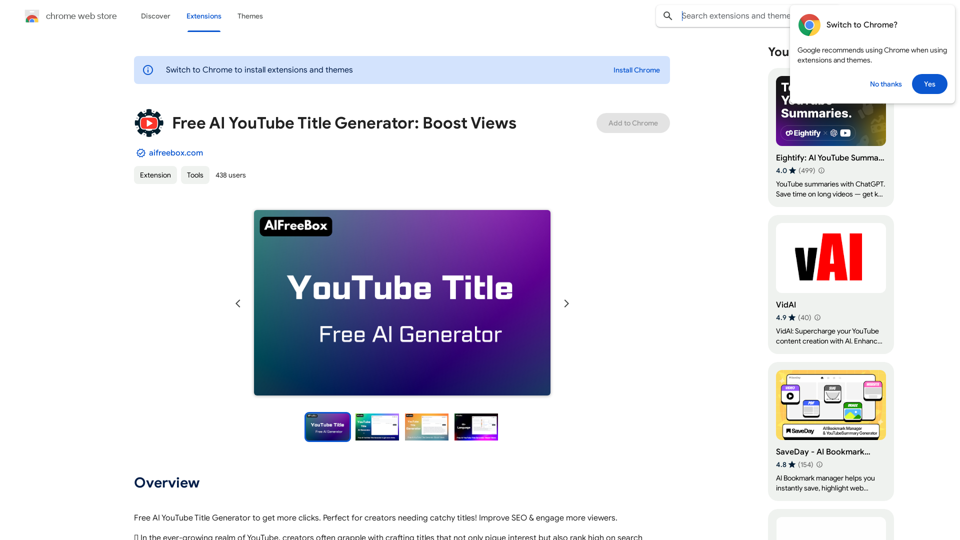
GrammaticGenius™

Your English Co-Pilot, Right in Your Browser
Visit Website
GrammaticGenius™
Visit Website

Introduction

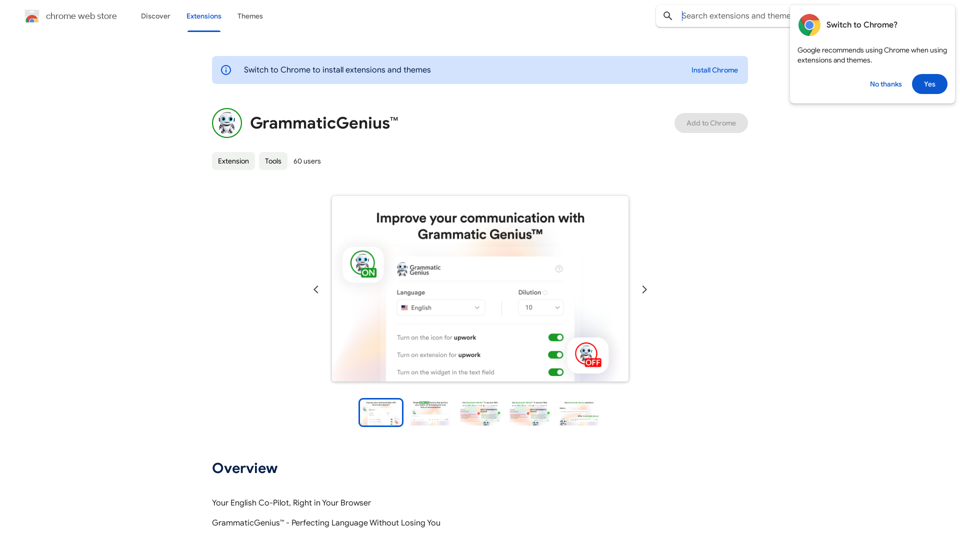
GrammaticGenius™ is an innovative Chrome extension designed to enhance your writing experience. It seamlessly integrates into any text-input field, allowing users to improve their text quality with a simple keyboard shortcut. The tool goes beyond basic error correction, focusing on amplifying the user's authentic voice and ensuring impactful communication.

Feature

Instant Text Enhancement

GrammaticGenius™ elevates your writing from good to outstanding with a simple 'ctrl + y' keyboard shortcut, integrating directly within any text-input field.

Native-Level Communication

Helps users communicate with the proficiency of a native English speaker, boosting credibility and opening up new opportunities in professional settings.

Streamlined Workflow

Eliminates the need for copy-pasting from ChatGPT, offering a dedicated button within every text field for quick and efficient writing improvement.

Customizable Formality

Users can adjust the level of formality on a scale of 1-10, allowing for supreme accuracy and formality or preserving more of the user's inherent style.

Voice Preservation

Powered by the GPT API, GrammaticGenius™ refines text while maintaining the user's unique voice and style.

Flexible Usage

Offers customization options, including the ability to enable or disable the extension on specific platforms like Upwork.

Multilingual Support

While primarily designed for English, the tool caters to writers worldwide.

FAQ

What is GrammaticGenius™?

GrammaticGenius™ is a Chrome extension that integrates into text-input fields, enhancing writing quality with a simple keyboard shortcut. It focuses on amplifying the user's authentic voice and ensuring impactful communication.

What are the main features of GrammaticGenius™?

The main features include:

  • Native-level communication enhancement
  • Direct integration with text fields
  • Customizable formality levels
  • Preservation of the user's authentic voice
  • User-centric interface with platform-specific customization

How can I maximize my use of GrammaticGenius™?

To maximize use, leverage the GPT API-powered fine-tuning while preserving your unique voice. Take advantage of the free access during the beta test period to explore all features and improve your writing across various platforms.

How much does GrammaticGenius™ cost?

GrammaticGenius™ is currently free to use as part of a limited-time lifetime free access beta test offer.

Related Websites
Ruta - AI Search
View Detail

Ruta - AI Search

Ruta - AI Search

Make searching simpler, make discovery deeper.

193.90 M
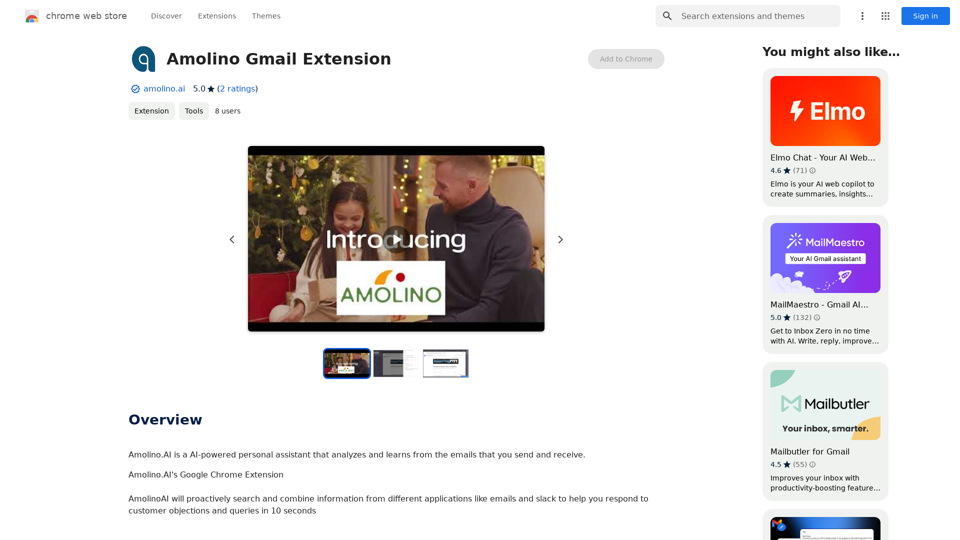
Suinfy: AI YouTube Summarizer
View Detail

Suinfy: AI YouTube Summarizer

Suinfy: AI YouTube Summarizer

Save time by watching long videos. Generate key insights and subtitles.

193.90 M
Astra Vision
View Detail

Astra Vision

Astra Vision

Astra Vision is an AI-powered web extension that includes a set of powerful AI tools: Astra Guard and AI Snapper.

193.90 M
Kometa AI – Your personal AI assistant!
View Detail

Kometa AI – Your personal AI assistant!

Kometa AI – Your personal AI assistant!

Don't delay preparing a response to a client. Respond immediately to any email, LinkedIn, HH, or WhatsApp message.

193.90 M
Leadeasy - Company Research
View Detail

Leadeasy - Company Research

Leadeasy - Company Research

Search for companies and contacts in the best online sources.

193.90 M
Midjourney SREF Codes Library for Style Reference

What are SREF Codes?

SREF codes are special text strings used in Midjourney to quickly and easily apply specific artistic styles to your image generations. 

How to Use SREF Codes:

Simply add an SREF code to your Midjourney prompt. For example:

`/imagine a majestic dragon, SREF:cyberpunk`

SREF Code Library:

This library contains a collection of SREF codes categorized by style. 

* Art Styles:
    * `photorealistic`: Creates images with high levels of realism.
    * `impressionistic`:  Captures the essence of a scene with loose brushstrokes and vibrant colors.
    * `cubist`:  Breaks down objects into geometric shapes.
    * `surrealist`:  Creates dreamlike and fantastical images.
    * `abstract`:  Focuses on form, color, and composition rather than representational imagery.

* Visual Effects:
    * `cinematic`:  Gives images a cinematic look and feel.
    * `HDR`:  Creates images with high dynamic range, resulting in greater detail and contrast.
    * `neon`:  Adds vibrant neon lights to the image.
    * `pixel art`:  Generates images in a retro pixel art style.

* Other Styles:
    * `anime`:  Creates images in the style of Japanese animation.
    * `manga`:  Similar to anime, but with a more comic book aesthetic.
    * `sketch`:  Generates images that resemble pencil sketches.
    * `watercolor`:  Creates images with the look and feel of watercolor paintings.

Note: This is just a small sample of the many SREF codes available. 

Explore and Experiment:

The best way to learn about SREF codes is to experiment with them! Try combining different codes to create unique and interesting styles.
View Detail

Midjourney SREF Codes Library for Style Reference What are SREF Codes? SREF codes are special text strings used in Midjourney to quickly and easily apply specific artistic styles to your image generations. How to Use SREF Codes: Simply add an SREF code to your Midjourney prompt. For example: `/imagine a majestic dragon, SREF:cyberpunk` SREF Code Library: This library contains a collection of SREF codes categorized by style. * Art Styles: * `photorealistic`: Creates images with high levels of realism. * `impressionistic`: Captures the essence of a scene with loose brushstrokes and vibrant colors. * `cubist`: Breaks down objects into geometric shapes. * `surrealist`: Creates dreamlike and fantastical images. * `abstract`: Focuses on form, color, and composition rather than representational imagery. * Visual Effects: * `cinematic`: Gives images a cinematic look and feel. * `HDR`: Creates images with high dynamic range, resulting in greater detail and contrast. * `neon`: Adds vibrant neon lights to the image. * `pixel art`: Generates images in a retro pixel art style. * Other Styles: * `anime`: Creates images in the style of Japanese animation. * `manga`: Similar to anime, but with a more comic book aesthetic. * `sketch`: Generates images that resemble pencil sketches. * `watercolor`: Creates images with the look and feel of watercolor paintings. Note: This is just a small sample of the many SREF codes available. Explore and Experiment: The best way to learn about SREF codes is to experiment with them! Try combining different codes to create unique and interesting styles.

Midjourney SREF Codes Library for Style Reference What are SREF Codes? SREF codes are special text strings used in Midjourney to quickly and easily apply specific artistic styles to your image generations. How to Use SREF Codes: Simply add an SREF code to your Midjourney prompt. For example: `/imagine a majestic dragon, SREF:cyberpunk` SREF Code Library: This library contains a collection of SREF codes categorized by style. * Art Styles: * `photorealistic`: Creates images with high levels of realism. * `impressionistic`: Captures the essence of a scene with loose brushstrokes and vibrant colors. * `cubist`: Breaks down objects into geometric shapes. * `surrealist`: Creates dreamlike and fantastical images. * `abstract`: Focuses on form, color, and composition rather than representational imagery. * Visual Effects: * `cinematic`: Gives images a cinematic look and feel. * `HDR`: Creates images with high dynamic range, resulting in greater detail and contrast. * `neon`: Adds vibrant neon lights to the image. * `pixel art`: Generates images in a retro pixel art style. * Other Styles: * `anime`: Creates images in the style of Japanese animation. * `manga`: Similar to anime, but with a more comic book aesthetic. * `sketch`: Generates images that resemble pencil sketches. * `watercolor`: Creates images with the look and feel of watercolor paintings. Note: This is just a small sample of the many SREF codes available. Explore and Experiment: The best way to learn about SREF codes is to experiment with them! Try combining different codes to create unique and interesting styles.

Explore a list of 177 unique Midjourney sref codes and style references to find your perfect Midjourney sref code effect.

149.96 K
Everything about AI | aicrunch.io
View Detail

Everything about AI | aicrunch.io

Everything about AI | aicrunch.io

Everything about the world of AI | Latest AI tools, news, guides, market insights on aicrunch.io

0
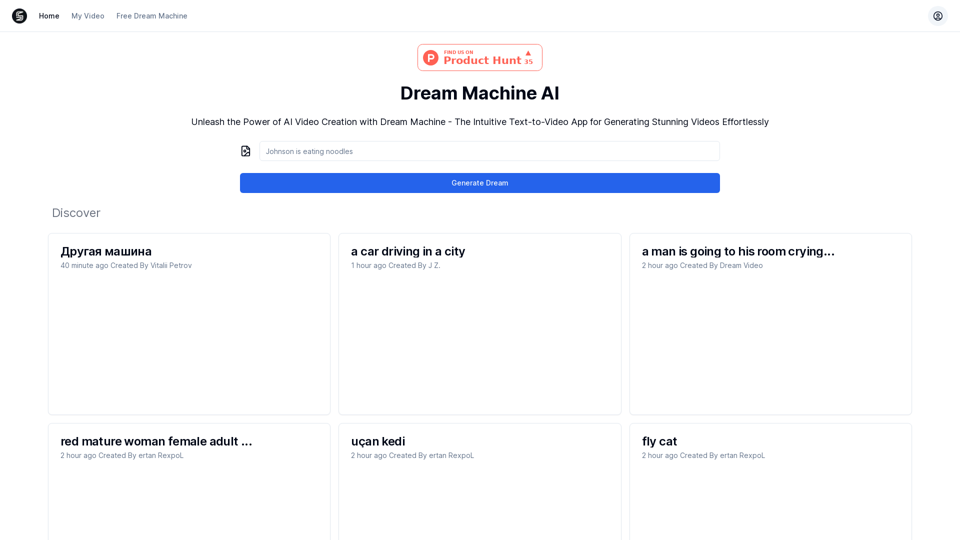
AI Video API 

This is a general term and could refer to many different things. To give you a helpful answer, I need more context. 

For example, are you interested in:

* APIs that allow you to generate videos using AI?
* APIs that analyze video content using AI?
* APIs that edit or enhance videos using AI?


Please tell me more about what you'd like to know about AI Video APIs.
View Detail

AI Video API This is a general term and could refer to many different things. To give you a helpful answer, I need more context. For example, are you interested in: * APIs that allow you to generate videos using AI? * APIs that analyze video content using AI? * APIs that edit or enhance videos using AI? Please tell me more about what you'd like to know about AI Video APIs.

AI Video API This is a general term and could refer to many different things. To give you a helpful answer, I need more context. For example, are you interested in: * APIs that allow you to generate videos using AI? * APIs that analyze video content using AI? * APIs that edit or enhance videos using AI? Please tell me more about what you'd like to know about AI Video APIs.

All-in-one API Hub for AI Generated Video This is a platform that brings together all the tools you need to create videos using artificial intelligence.

16.01 K