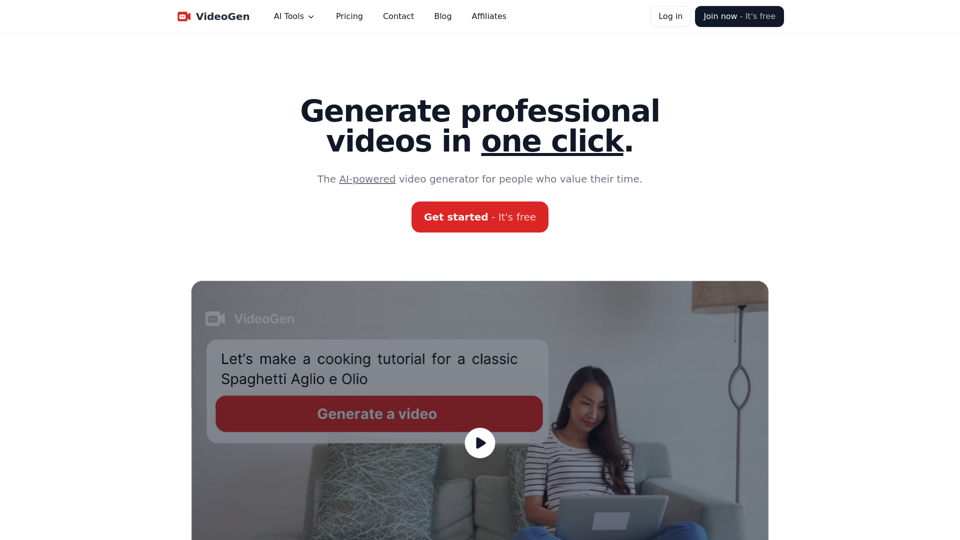
VideoGen is an AI-powered video generator designed for marketers, creators, professionals, and businesses seeking efficient video creation. It offers a one-click solution to produce professional-quality videos, saving time and resources. With a vast library of copyright-free assets, advanced text-to-speech capabilities, and AI-powered tools, VideoGen streamlines the video production process for various platforms and purposes.
VideoGen - AI Video Generator - Create Videos in Seconds
Instantly generate videos with VideoGen, the fastest video creation experience. Ever. Create and edit videos in one click. Try it now for free.
Introduction
Feature
One-Click Video Creation
VideoGen simplifies video production with its one-click generation feature, allowing users to create professional-quality videos instantly.
Extensive Asset Library
Access to over 3 million copyright-free assets ensures users have a wide range of options to enhance their videos without legal concerns.
Advanced Text-to-Speech Engine
- 150+ unique voices
- Support for 40+ languages and accents
- AI-generated voices indistinguishable from human voices
User-Friendly Video Editor
- Browser-based editing interface
- Keyboard shortcuts for faster workflow
AI-Powered Tools
- AI Video Generator
- Platform-specific generators (TikTok, Instagram Reels, Facebook Reels)
- Content repurposing tools (Blog to Video, Article to Video, Website to Video)
- AI Image Generator
- Video Subtitle and Caption Generators
- Video Ad Generator
Commercial Use Safety
All assets and generated content are safe for commercial use, providing peace of mind for businesses and professionals.
Time-Saving Solution
Users can experience up to 90% less time spent on video editing compared to traditional methods.
Multi-Language Support
The text-to-speech engine supports over 40 languages and accents, catering to a global audience.
FAQ
How do I get started with VideoGen?
- Sign up for a free account on the VideoGen website
- Choose the type of video you want to create
- Input your content or use AI-generated suggestions
- Select voice, language, and accent for narration
- Choose from millions of copyright-free assets
- Edit and refine your video using the browser-based editor
- Generate and download your finished video
What pricing options does VideoGen offer?
VideoGen offers a free plan to get started. For more detailed information on pricing and subscription options, users should visit the Pricing page on the VideoGen website.
Can I use VideoGen for different social media platforms?
Yes, VideoGen provides specific generators for platforms like TikTok, Instagram Reels, and Facebook Reels, optimizing your content for each platform.
Is there a limit to the number of videos I can create?
The number of videos you can create may depend on your subscription plan. For specific details, check the Pricing page or contact VideoGen support.
How does VideoGen impact engagement?
VideoGen claims the potential for 2x increased engagement with video content created using their platform.
Related Websites
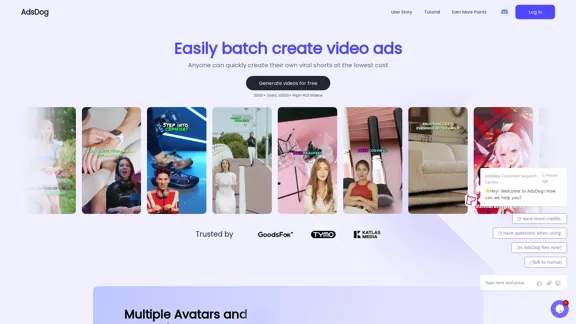
AdsDog is a video ad creation tool designed to help users easily batch create engaging video ads at a low cost
93
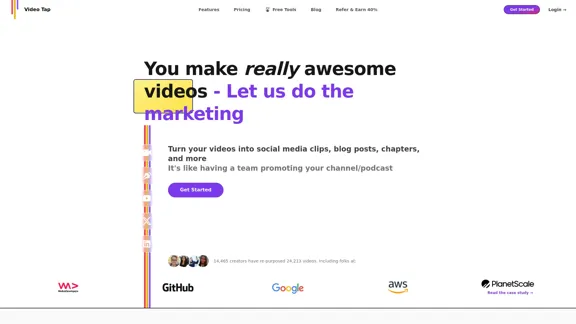
Transform videos into endless content such as blog posts, short clips, summaries and more with Video Tap.
19.54 K
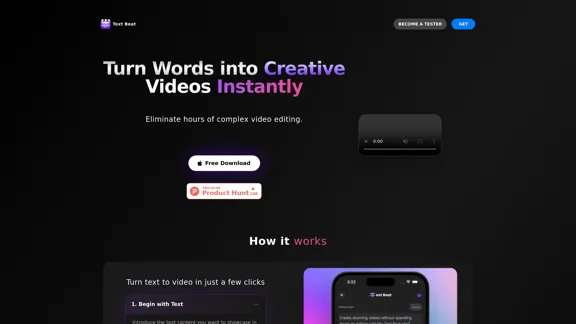
Text Beat is an innovative video creation tool that transforms text into engaging videos automatically
159
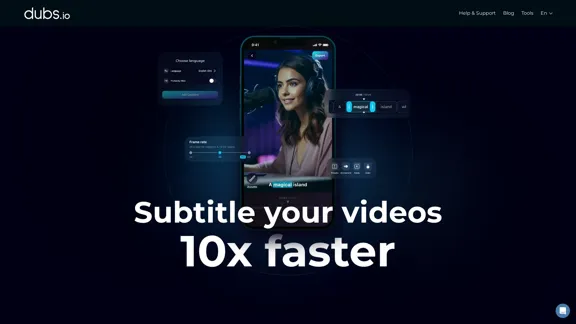
AI Subtitles and Captions Application for Your Content
AI Subtitles and Captions Application for Your ContentRevolutionize your video content with the ultimate captions app. Enhance engagement, accessibility, and discoverability effortlessly!
222.96 K

lipsync video to any audio or text. revolutionary ai video editor. real-time lipsync, seamless translation for global reach. create, reanimate, understand humans in video with our api. from wav2lip founders.
379.86 K

Overlap builds multimodal AI agents and has the most advanced video marketing agent for autonomous editing and short-form content.
44.54 K
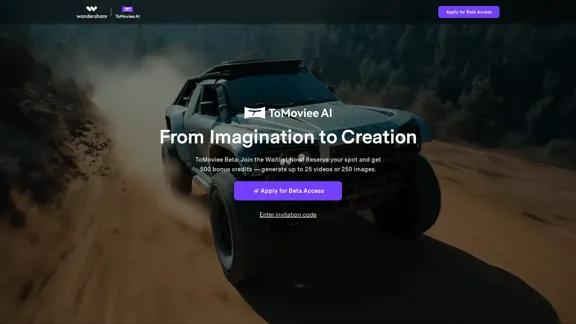
ToMoviee AI – Your Comprehensive AI Creative Studio
ToMoviee AI – Your Comprehensive AI Creative StudioGenerate video, images, music, and sound with AI. Fast, realistic, fully controllable. Designed for creators, marketers, filmmakers, designers, and teams.
572.51 K