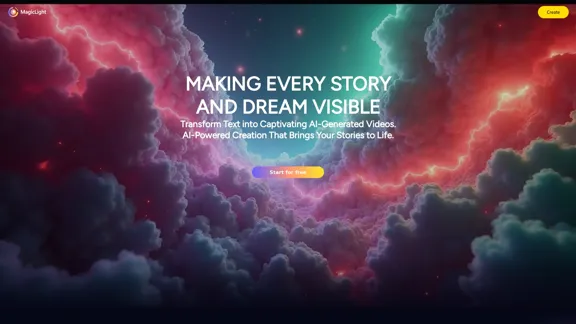
Magic Light AI is a free AI art generator that transforms text into captivating videos. It empowers users to create unique and personalized content, making storytelling accessible to everyone. With features that support character consistency, diverse visual styles, and multilingual capabilities, Magic Light AI brings imagination to life.
Magic Light AI - Free AI Art Generator, Text to Image to Video! AI Studio School
MagicLight AI is an innovative AI text-to-image-to-video platform that easily transforms your written content into engaging, professional-quality videos. Ideal for marketers, school educators, and content creator studios, our tool enables you to produce dynamic video content in minutes—Free AI Art Generator enhancing your digital storytelling and marketing initiatives.
Introduction
Feature
-
AI Video Generator
Create videos up to 30 minutes long, allowing for comprehensive storytelling and audience engagement.
-
Character Consistency
Maintain character integrity throughout the video, including the ability to create personalized characters that resemble the user.
-
Diverse Visual Styles
Choose from a variety of visual styles to enhance the storytelling experience, making each video unique.
-
Multilingual Support
Produce videos in over 10 languages with 30+ emotional voiceovers, catering to a global audience.
-
User-Friendly Interface
Designed for both desktop and mobile platforms, ensuring a seamless experience for all users.
How to Use?
- Visit the Magic Light AI website and create an account.
- Click on "Create Project" to start your video.
- Input your text or script to generate the video content.
- Select your desired visual style and character options.
- Choose the language and voiceover preferences.
- Review your video and make any necessary adjustments.
- Click "Submit" to generate and download your video.
FAQ
What is Magic Light?
Magic Light is an AI-powered platform that transforms imagination into reality by streamlining the video creation process for creators of all levels.
What are the unique features of Magic Light Studio?
Magic Light allows for the production of high-quality videos exceeding 30 minutes, ensuring character consistency and supporting a wide array of visual styles and multilingual capabilities.
Which devices and platforms are compatible with Magic Light?
Magic Light is optimized for both desktop and mobile access, providing a great user experience across various devices.
Who can use Magic Light, and how can I access it?
Magic Light is available to everyone, from individual creators to professionals and businesses, accessible through its website.
Price
- Free Plan: $0/month
- Basic Plan: $9.99/month
- Standard Plan: $19.99/month
- Professional Plan: $49.99/month
The price is for reference only, please refer to the latest official data for actual information.
Evaluation
-
Magic Light AI excels in providing a user-friendly interface that simplifies the video creation process, making it accessible for both novices and experienced creators.
-
The ability to maintain character consistency and customize visual styles is a significant advantage, enhancing the storytelling aspect of videos.
-
However, the platform could improve by offering more advanced editing features and tools for users looking to create more complex video projects.
-
While the multilingual support is commendable, expanding the range of emotional voiceovers could further enhance user experience.
-
Overall, Magic Light AI is a powerful tool for creating engaging videos, but it may require additional features to meet the needs of professional users consistently.
Related Websites

Overlap builds multimodal AI agents and has the most advanced video marketing agent for autonomous editing and short-form content.
44.54 K
Runway - Advancing creativity with artificial intelligence.
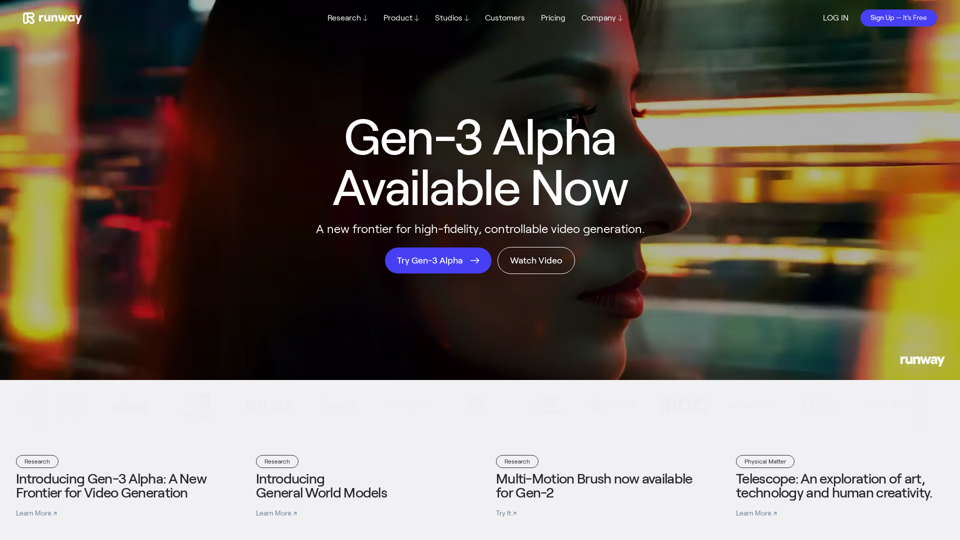
Runway - Advancing creativity with artificial intelligence.Runway is an applied AI research company shaping the next era of art, entertainment and human creativity.
6.30 M
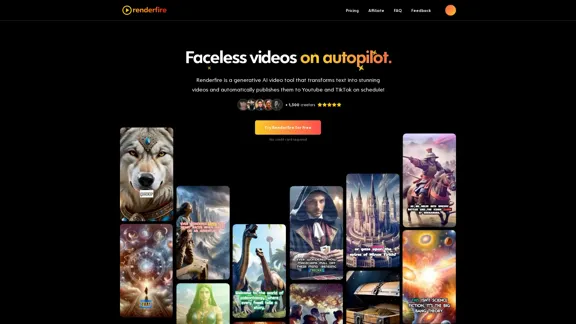
Discover Renderfire – the revolutionary app that completely automates Faceless Videos from start to finish. Just provide a topic and our AI will create and post fresh videos to your YouTube or TikTok daily.
0
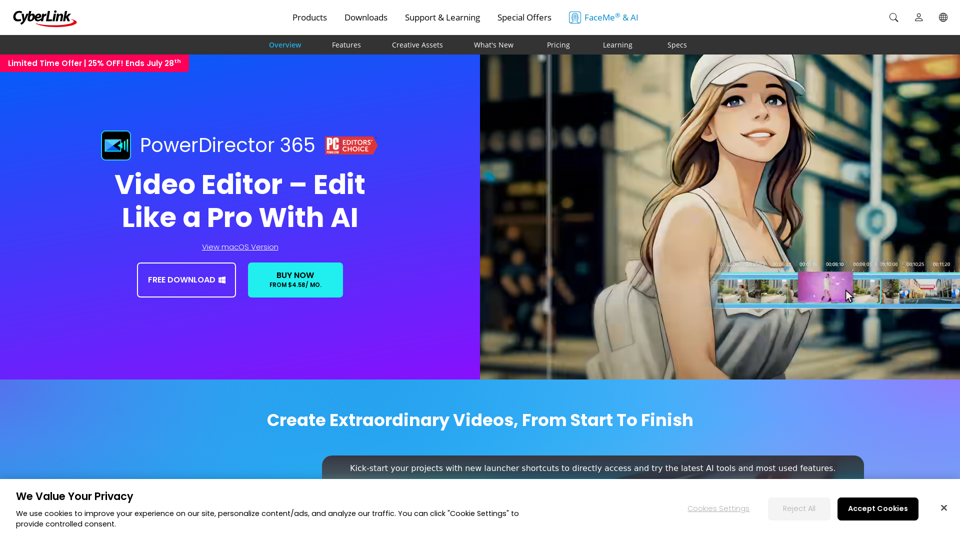
PowerDirector Video Editor - Edit Like a Pro With AI
PowerDirector Video Editor - Edit Like a Pro With AIPCMag's top-rated video editor. Effortlessly produce videos using AI tools of studio quality, templates, visual effects, and stock content. Download for free now!
4.85 M

Complete Walkthrough & Guide for Dreamy Room Level 1-145 | Video Tutorial Collection
Complete Walkthrough & Guide for Dreamy Room Level 1-145 | Video Tutorial CollectionLooking for a Dreamy Room guide? We provide detailed video walkthroughs and guides for all Dreamy Room levels (Level 1-145), covering puzzle-solving techniques for every Dreamy Room Level to help you pass easily. Get the latest Dreamy Room level guide and enjoy the game!
24.36 K
Play Sprunki OC Mod online - Create custom characters, mix music, and join the creative community. Free browser-based music game with OC maker.
0
Transform videos into endless content such as blog posts, short clips, summaries and more with Video Tap.
19.54 K
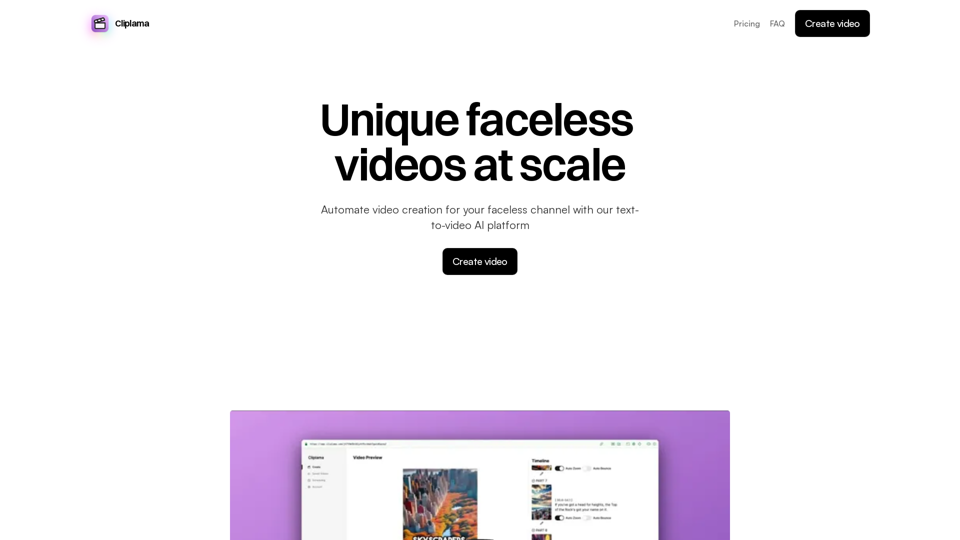
Automate Your Faceless Video Channel with AI Tired of spending hours creating videos? Let AI do the heavy lifting! * Generate scripts: Say goodbye to writer's block. AI can write engaging scripts for your videos on any topic. * Create voiceovers: Give your videos a professional voice with AI-generated voiceovers in multiple languages. * Produce stunning visuals: Use AI to generate captivating visuals, animations, and graphics to accompany your videos. * Edit and optimize: AI can automatically edit your videos, add music, transitions, and optimize them for different platforms. * Schedule and publish: Set it and forget it! AI can schedule and publish your videos to your chosen platforms. Start creating faceless videos effortlessly with the power of AI.
Automate Your Faceless Video Channel with AI Tired of spending hours creating videos? Let AI do the heavy lifting! * Generate scripts: Say goodbye to writer's block. AI can write engaging scripts for your videos on any topic. * Create voiceovers: Give your videos a professional voice with AI-generated voiceovers in multiple languages. * Produce stunning visuals: Use AI to generate captivating visuals, animations, and graphics to accompany your videos. * Edit and optimize: AI can automatically edit your videos, add music, transitions, and optimize them for different platforms. * Schedule and publish: Set it and forget it! AI can schedule and publish your videos to your chosen platforms. Start creating faceless videos effortlessly with the power of AI.Create videos with text and transform your ideas into amazing videos using pictures, GIFs, music, transitions, and captions. Boost your social media presence automatically, saving you time and money.
4.34 K