Hadana is an AI-powered travel planner that simplifies the process of creating personalized itineraries. By considering user preferences, budget constraints, and chosen attractions, Hadana's sophisticated algorithms generate tailored travel plans. This innovative tool aims to streamline trip planning, making it effortless and efficient for travelers to design their ideal adventures.
Hadana: Your AI Travel Planner
An AI-powered travel companion that crafts personalized travel plans based on your preferences.

Introduction
Feature
Optimal Route Planning
Hadana's AI algorithms analyze user preferences to craft the most efficient route, optimizing time and effort for travelers.
Personalized Itinerary Customization
Users can shape their journey by freely adding, editing, or deleting activities from their itinerary, ensuring a truly personalized experience.
Local Cuisine Recommendations
The AI provides tailored recommendations for local cuisines and hidden gems, catering to users' individual taste preferences.
User-Friendly Interface
Hadana offers a simple and intuitive platform where users can input their preferences, from destination desires to budget constraints, allowing the AI to generate a customized travel plan.
Flexible Pricing Options
Hadana provides a free AI-powered travel planning service, with the option to upgrade to an all-inclusive package that includes experience bookings.
FAQ
How does Hadana's AI-powered travel planner work?
Hadana's AI algorithms analyze your preferences, chosen attractions, and budget to craft a personalized travel plan that optimizes your route and experiences.
Can I customize my itinerary after it's generated?
Yes, you can freely add, edit, or delete activities from your itinerary to ensure it perfectly fits your needs and preferences.
What kind of local cuisine recommendations does Hadana offer?
Hadana's AI recommends local cuisines and hidden gems tailored to your taste preferences, helping you discover unique culinary experiences during your travels.
Is there an option to upgrade the service?
Yes, while Hadana offers a free AI-powered travel planning service, you can upgrade to an all-inclusive package that includes experience bookings. Contact Hadana directly to customize your journey and explore upgrade options.
Related Websites

Clearscope is the leading content-first SEO platform that enables marketing teams to increase traffic by simplifying SEO and content optimization, keyword identification, workflow management, and content monitoring.
146.92 K
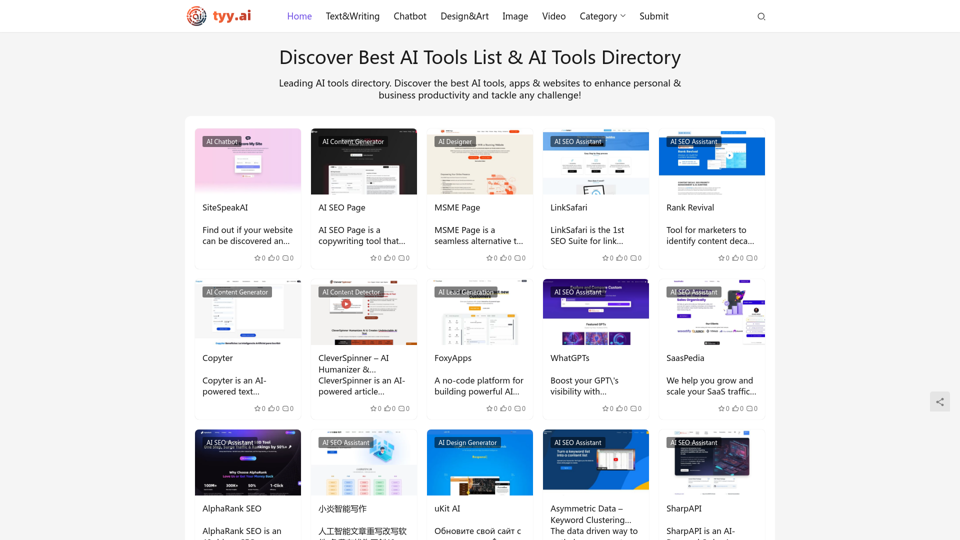
Discover the Best AI Tools List & AI Tools Directory with tyy.ai
Discover the Best AI Tools List & AI Tools Directory with tyy.aityy.ai - Leading AI tools directory. Discover the best AI tools, apps & websites to enhance personal & business productivity and tackle any challenge!
1.58 K
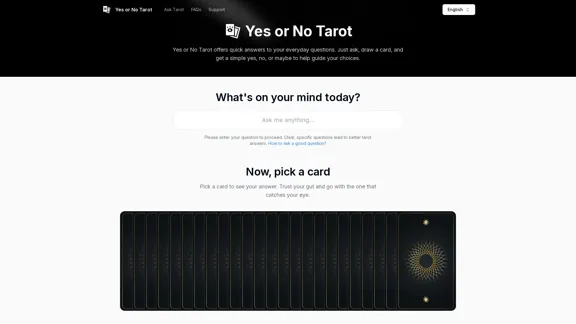
Yes or No Tarot offers quick answers to your everyday questions. Just ask, draw a card, and get a simple yes, no, or maybe to help guide your choices.
0
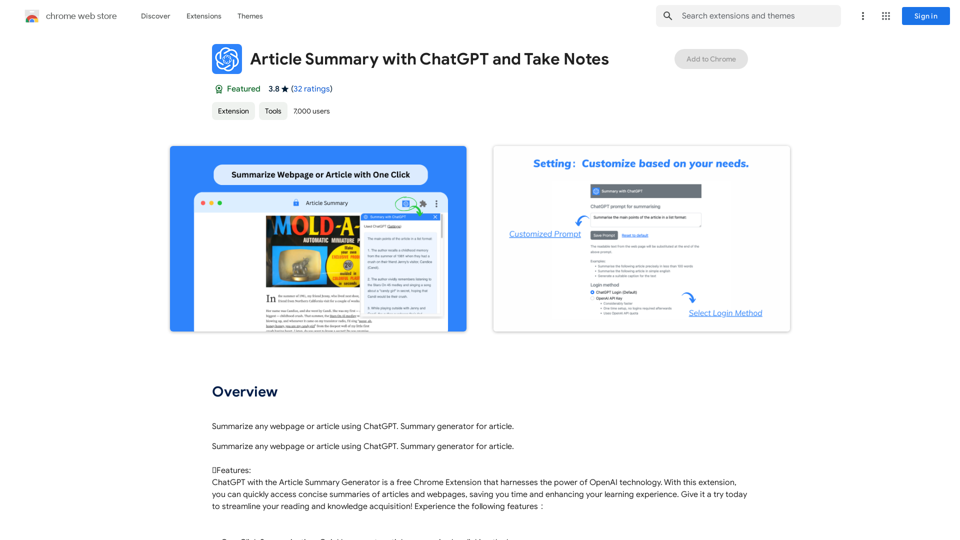
Article Summary with ChatGPT and Take Notes This is a guide on how to use ChatGPT to summarize articles and take notes effectively. Step 1: Provide ChatGPT with the Article Copy and paste the full text of the article into the ChatGPT interface. Step 2: Craft Your Prompt Tell ChatGPT what you want it to do. Here are some examples: * Summarize: "Please summarize this article in 200 words." * Key Points: "What are the main points of this article?" * Bullet Points: "Summarize the key findings of this article in bullet points." * Notes: "Take notes on this article, focusing on the author's arguments and supporting evidence." Step 3: Review and Refine ChatGPT will generate a summary, key points, bullet points, or notes based on your prompt. * Read carefully: Make sure the output accurately reflects the article's content. * Edit as needed: You can ask ChatGPT to rephrase sections or provide more detail. * Add your own insights: Don't just copy ChatGPT's output. Use it as a starting point and add your own thoughts, questions, and connections. Tips for Effective Use: * Be specific: The more specific your prompt, the better the output will be. * Experiment with different prompts: Try various phrasing to see what works best. * Use ChatGPT as a tool: It's a powerful aid, but it's not a replacement for critical reading and thinking.
Article Summary with ChatGPT and Take Notes This is a guide on how to use ChatGPT to summarize articles and take notes effectively. Step 1: Provide ChatGPT with the Article Copy and paste the full text of the article into the ChatGPT interface. Step 2: Craft Your Prompt Tell ChatGPT what you want it to do. Here are some examples: * Summarize: "Please summarize this article in 200 words." * Key Points: "What are the main points of this article?" * Bullet Points: "Summarize the key findings of this article in bullet points." * Notes: "Take notes on this article, focusing on the author's arguments and supporting evidence." Step 3: Review and Refine ChatGPT will generate a summary, key points, bullet points, or notes based on your prompt. * Read carefully: Make sure the output accurately reflects the article's content. * Edit as needed: You can ask ChatGPT to rephrase sections or provide more detail. * Add your own insights: Don't just copy ChatGPT's output. Use it as a starting point and add your own thoughts, questions, and connections. Tips for Effective Use: * Be specific: The more specific your prompt, the better the output will be. * Experiment with different prompts: Try various phrasing to see what works best. * Use ChatGPT as a tool: It's a powerful aid, but it's not a replacement for critical reading and thinking.I can do that! Please provide me with the URL of the webpage or article you'd like me to summarize. I'll do my best to create a concise and easy-to-understand summary for you.
193.90 M
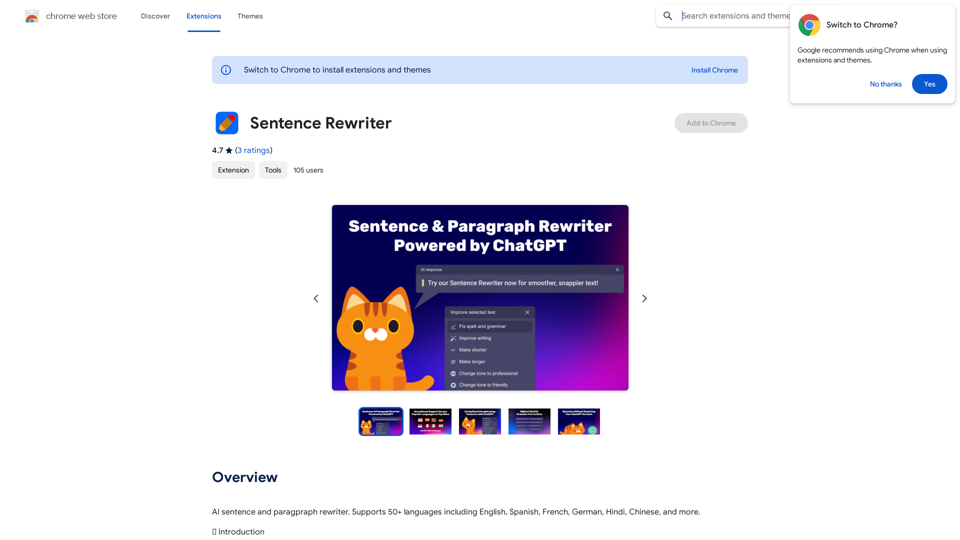
AI sentence and paragraph rewriter. Supports 50+ languages including English, Spanish, French, German, Hindi, Chinese, and more.
193.90 M
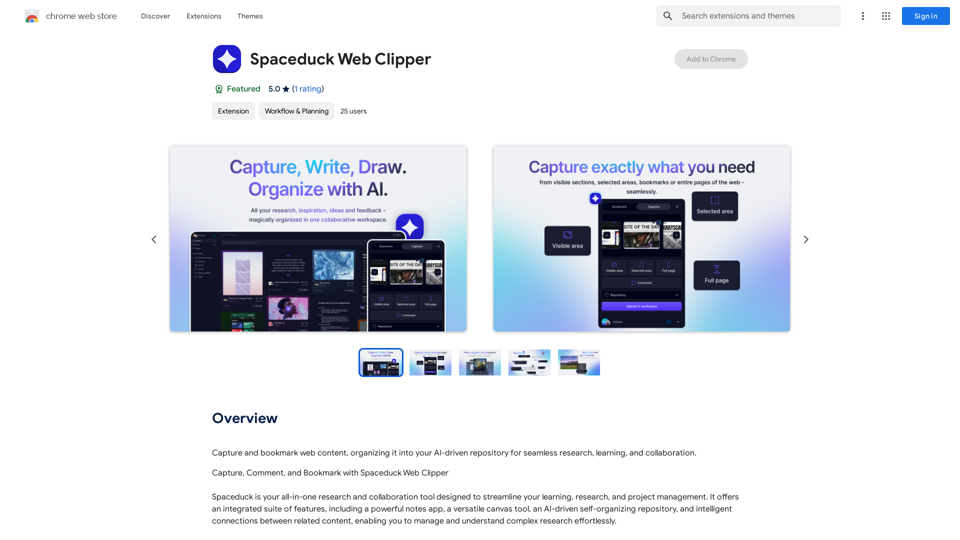
Save and mark web pages, putting them into your smart, AI-powered collection for easy research, learning, and working together.
193.90 M

Lingban AI Assistant - GPT Chat, Web Translation, Bilingual Comparison, Intelligent Writing, AI Full-Network Search, AI Article Reading, Real-Time Internet Connection
Lingban AI Assistant - GPT Chat, Web Translation, Bilingual Comparison, Intelligent Writing, AI Full-Network Search, AI Article Reading, Real-Time Internet ConnectionLingban AI Assistant is your personal AI assistant on any webpage. It can help you translate various webpages, provide bilingual comparisons, offer creative inspiration, and answer your questions in chat conversations.
193.90 M