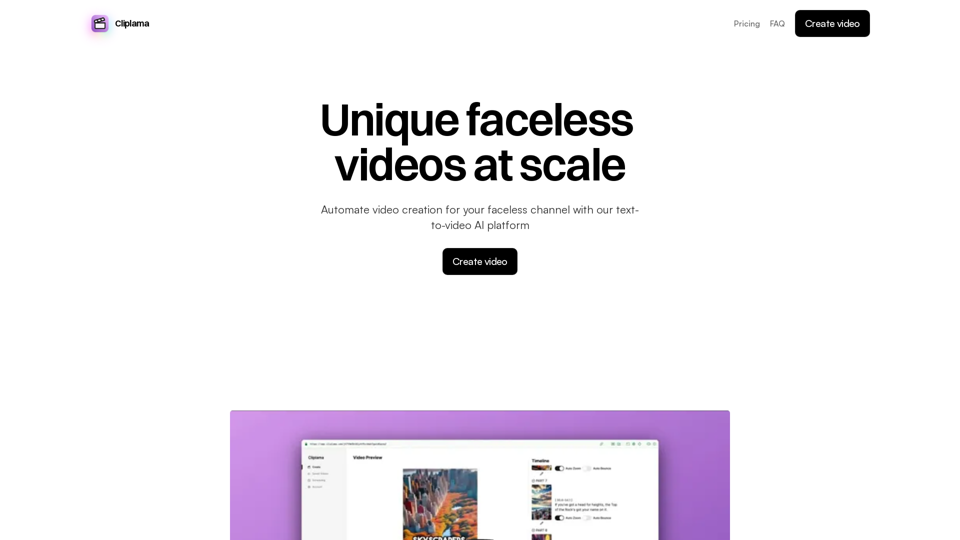
Cliplama is an AI-powered text-to-video platform designed to automate the creation of faceless videos. It enables users to generate unique content quickly, schedule posts for social media platforms like TikTok and YouTube, and grow their channels effortlessly. The service caters to content creators looking to streamline their video production process and scale their faceless video channels.
Automate Your Faceless Video Channel with AI Tired of spending hours creating videos? Let AI do the heavy lifting! * Generate scripts: Say goodbye to writer's block. AI can write engaging scripts for your videos on any topic. * Create voiceovers: Give your videos a professional voice with AI-generated voiceovers in multiple languages. * Produce stunning visuals: Use AI to generate captivating visuals, animations, and graphics to accompany your videos. * Edit and optimize: AI can automatically edit your videos, add music, transitions, and optimize them for different platforms. * Schedule and publish: Set it and forget it! AI can schedule and publish your videos to your chosen platforms. Start creating faceless videos effortlessly with the power of AI.
Create videos with text and transform your ideas into amazing videos using pictures, GIFs, music, transitions, and captions. Boost your social media presence automatically, saving you time and money.
Introduction
Feature
Rapid Video Creation
Cliplama allows users to create videos in seconds by simply describing the desired content through text and selecting a voice style. The AI then generates a unique faceless video based on these inputs.
Automated Channel Management
Users can create faceless videos quickly and schedule them for posting on platforms like TikTok and YouTube. This feature enables channel growth on autopilot, saving time and effort for content creators.
Flexible Pricing Plans
Cliplama offers a range of pricing plans to suit different needs:
| Plan | Price (Monthly) | Videos per Month | Features |
|---|---|---|---|
| Free | $0 | 2 | Video scheduling, No watermark, Video download, AI background music |
| Basic | $25 ($17 annually) | 25 | Video scheduling, No watermark, Video download, AI background music |
| Creator | $39 ($27 annually) | 60 | Video scheduling, No watermark, Video download, AI background music |
| Pro | $59 ($41 annually) | 150 | Video scheduling, No watermark, Video download, AI background music |
Note: All paid plans offer a 30% discount for the first month.
AI-Generated Background Music
All plans include AI-generated background music, enhancing the quality and uniqueness of the created videos.
Watermark-Free Videos
Videos created with Cliplama, even on the free plan, come without watermarks, ensuring a professional look for all content.
Video Scheduling
The platform allows users to schedule their videos for posting, facilitating better content management and consistent channel updates.
FAQ
Can I edit my videos?
The platform's editing capabilities are not explicitly mentioned in the provided content. Users may need to check with Cliplama directly for information on video editing features.
Can I schedule my videos?
Yes, Cliplama offers video scheduling as a feature across all plans, allowing users to plan and automate their content posting.
How long does it take to generate a video?
According to the information provided, Cliplama can generate a unique faceless video in seconds after the user inputs the description and selects a voice style.
Are videos watermarked?
No, videos created with Cliplama are not watermarked, regardless of the plan chosen. This applies to all plans, including the free option.
Can I cancel at any time?
While not explicitly stated in the provided content, subscription-based services typically allow cancellation at any time. However, users should verify this with Cliplama's terms of service for specific cancellation policies.
Related Websites
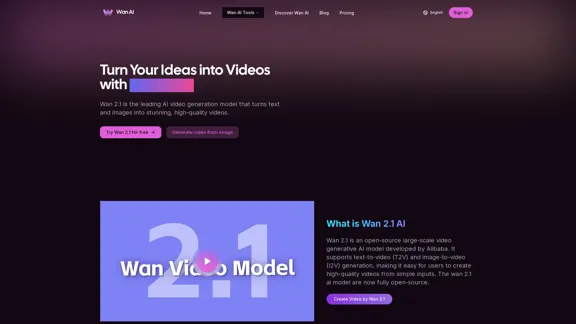
Wan 2.1 is an advanced AI video generation model by Alibaba. Create videos from text or images with Wan 2.1 AI.
1.14 K
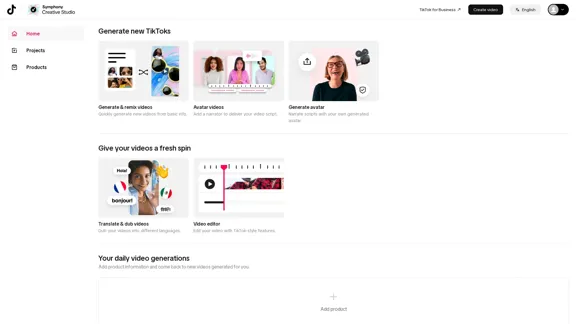
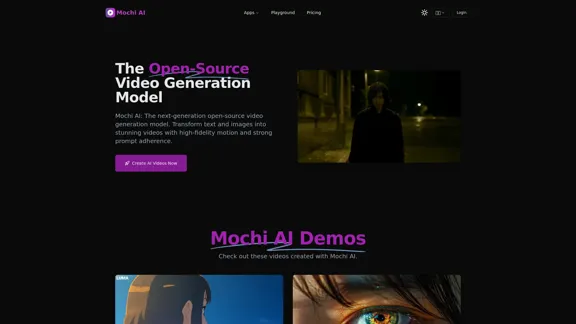
Mochi AI - Advanced Open-Source Video Generation Model
Mochi AI - Advanced Open-Source Video Generation ModelMochi AI: The next-generation open-source video generation model. Create stunning videos with high-fidelity motion and strong prompt adherence using our cutting-edge AI technology.
0
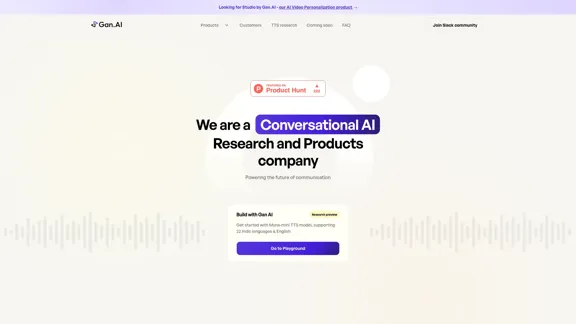
building models & products for text-to-speech, avatars, lip synchronization and conversational speech!
112.54 K
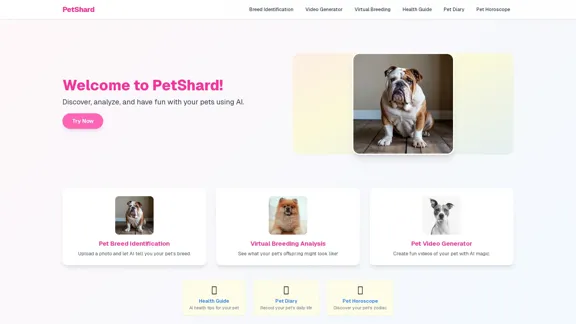
PetShard - AI Tools for Identifying Pet Breeds and Virtual Breeding
PetShard - AI Tools for Identifying Pet Breeds and Virtual BreedingIdentify your pet's breed, obtain health insights, create pet videos, analyze virtual breeding compatibility, and generate pet content with our AI-powered tools.
0
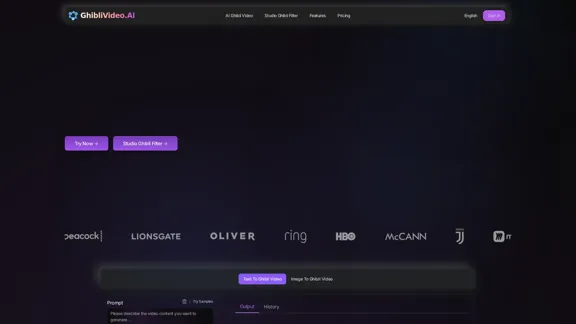
Ghibli Video AI - Experience the Studio Ghibli Filter
Ghibli Video AI - Experience the Studio Ghibli FilterTransform photos into AI Ghibli videos with the AI Ghibli video generator! Our Studio Ghibli filter adds magical animations - no skills needed. Try Ghibli.AI now!
50
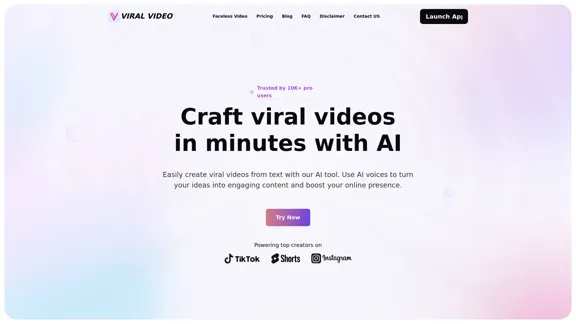
Viral Video - Create viral videos in minutes with AI
Viral Video - Create viral videos in minutes with AITransform your ideas into viral videos with our AI-driven text-to-video tool. Effortlessly create engaging videos using AI voices, enhancing your content with ease. Boost your online presence and reach a wider audience by converting text into captivating video content.
1.81 K
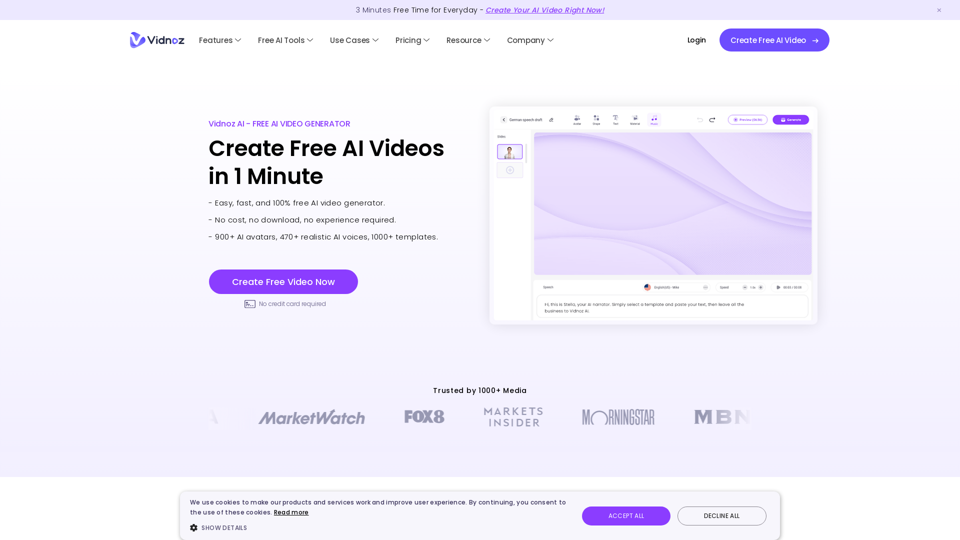
Vidnoz AI Tools: Create FREE Engaging AI Videos 10X Faster
Vidnoz AI Tools: Create FREE Engaging AI Videos 10X FasterVidnoz is the leading provider of free online video creation tools, powered by AI and intelligent automation. Use Vidnoz AI tools to create successful videos!
5.20 M