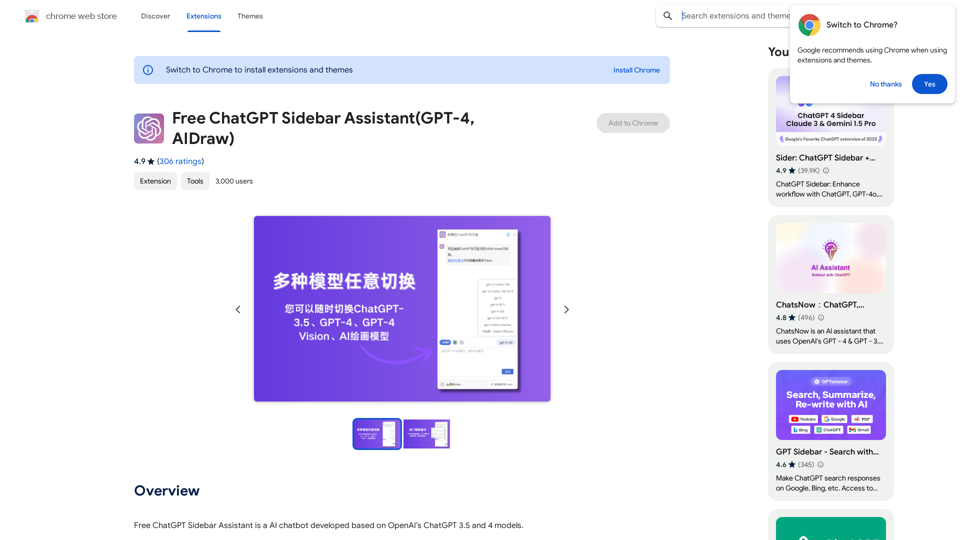
ChatGPT Prompt Generator - AI Mind is an innovative AI-driven platform that provides access to a wide range of AI technologies, including ChatGPT, GPT-4o, Claude, Bard, and Llama-2. This user-friendly tool is designed to help users generate compelling prompts for various AI models, enabling them to craft effective questions and obtain valuable answers quickly and efficiently.
ChatGPT Prompt Generator - AI Mind This is a tool to help you generate creative and effective prompts for ChatGPT. Features: * Diverse Prompt Types: Explore various prompt categories like story writing, dialogue, code generation, and more. * Customization Options: Tailor your prompts with specific details, tone, style, and length preferences. * Inspiration & Examples: Discover a library of pre-made prompts and examples to spark your imagination. * AI-Powered Suggestions: Get intelligent suggestions and refinements for your prompts based on your input. How it Works: 1. Choose a Prompt Type: Select the type of output you desire from ChatGPT. 2. Provide Input: Enter your desired keywords, themes, or specific instructions. 3. Customize Settings: Adjust parameters like tone, style, length, and format. 4. Generate Prompt: Click "Generate" to receive a unique and optimized prompt tailored to your needs. Start Creating! Let your imagination run wild and explore the possibilities of ChatGPT with our AI-powered prompt generator.
Generate prompts for ChatGPT and Claude to get the best AI responses
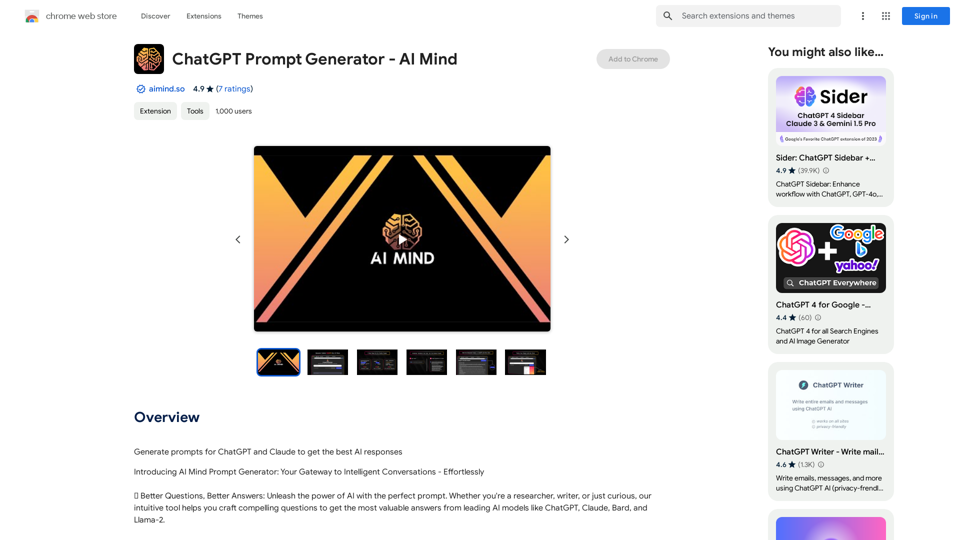
Introduction
Feature
Effortless Prompt Engineering
Type your idea and watch as the platform generates a compelling prompt, streamlining the process of creating effective questions for AI models.
Time-Saving Technology
Get valuable answers in seconds, significantly reducing the time spent on formulating questions and waiting for responses.
Intuitive User Interface
The platform boasts a user-friendly interface with no learning curve, making it accessible and easy to use for all users, regardless of their technical expertise.
Quality-Focused Approach
By improving prompt quality, users can elevate the insights they receive from AI models, leading to more valuable and accurate responses.
Multi-Model Support
Access a variety of GPT models, including ChatGPT, GPT-4o, Claude, Bard, and Llama-2, providing users with a diverse range of AI technologies to suit their needs.
Privacy Protection
The platform prioritizes user privacy, ensuring that user information is not used for training data or any other purposes without consent.
FAQ
How do I use ChatGPT Prompt Generator - AI Mind?
Simply type your idea into the platform's intuitive interface, and it will generate a prompt designed to engage and enlighten when used with AI models like ChatGPT and Claude.
Can I generate images using this platform?
No, the platform is primarily designed for generating prompts for text-based AI models and does not support image generation.
When would I need a subscription?
If the free version doesn't meet your needs and you heavily rely on the platform's features, you may consider subscribing to the affordable premium products.
How can I maximize my use of the platform?
To get the most out of ChatGPT Prompt Generator - AI Mind:
- Experiment with different prompts to obtain the most valuable answers
- Utilize the time-saving technology to generate high-quality prompts quickly
- Explore the various AI-powered tools available to support different tasks
Related Websites
Stability Matrix CivitAI Integration This document outlines the integration of Stability Matrix into Civitai. What is Stability Matrix? Stability Matrix is a powerful tool for evaluating and comparing different AI models. It provides a comprehensive set of metrics to assess model performance across various tasks, including text generation, image generation, and code generation. Benefits of Integrating Stability Matrix into Civitai: * Enhanced Model Discovery: Users can easily identify high-performing models based on their desired tasks and preferences. * Improved Model Selection: The detailed metrics provided by Stability Matrix allow for informed decision-making when choosing a model for a specific project. * Community-Driven Evaluation: By leveraging the collective wisdom of the Civitai community, Stability Matrix fosters a transparent and collaborative approach to model evaluation. * Accelerated Model Development: Developers can use Stability Matrix to track the progress of their models and identify areas for improvement. Implementation Details: * Stability Matrix scores will be displayed alongside model descriptions on Civitai. * Users will be able to filter models based on their Stability Matrix scores. * The integration will initially focus on text generation and image generation models. Future Enhancements: * Expand support for additional model types, such as code generation models. * Implement interactive visualizations of Stability Matrix data. * Allow users to contribute their own model evaluations to the platform.
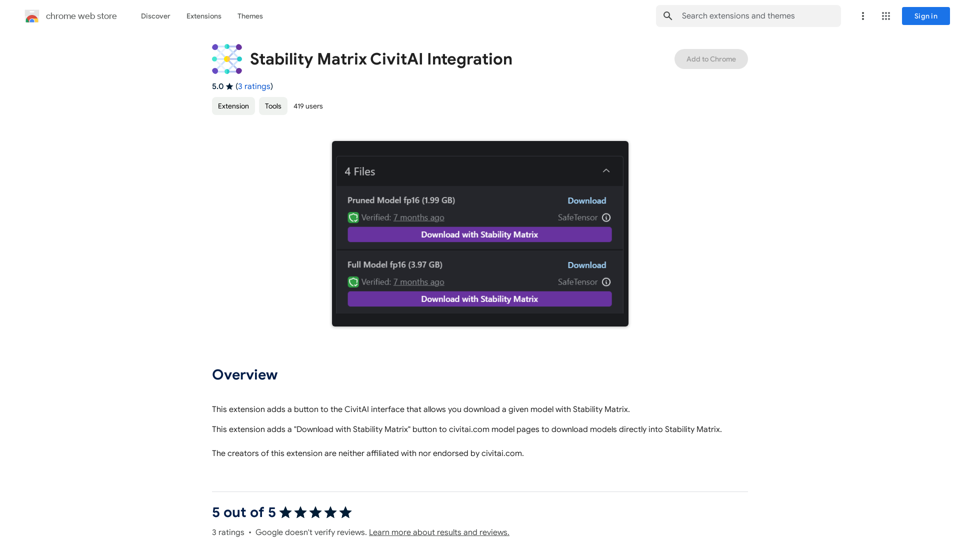
Stability Matrix CivitAI Integration This document outlines the integration of Stability Matrix into Civitai. What is Stability Matrix? Stability Matrix is a powerful tool for evaluating and comparing different AI models. It provides a comprehensive set of metrics to assess model performance across various tasks, including text generation, image generation, and code generation. Benefits of Integrating Stability Matrix into Civitai: * Enhanced Model Discovery: Users can easily identify high-performing models based on their desired tasks and preferences. * Improved Model Selection: The detailed metrics provided by Stability Matrix allow for informed decision-making when choosing a model for a specific project. * Community-Driven Evaluation: By leveraging the collective wisdom of the Civitai community, Stability Matrix fosters a transparent and collaborative approach to model evaluation. * Accelerated Model Development: Developers can use Stability Matrix to track the progress of their models and identify areas for improvement. Implementation Details: * Stability Matrix scores will be displayed alongside model descriptions on Civitai. * Users will be able to filter models based on their Stability Matrix scores. * The integration will initially focus on text generation and image generation models. Future Enhancements: * Expand support for additional model types, such as code generation models. * Implement interactive visualizations of Stability Matrix data. * Allow users to contribute their own model evaluations to the platform.This extension adds a button to the CivitAI interface that allows you to download a given model with Stability Matrix.
193.90 M
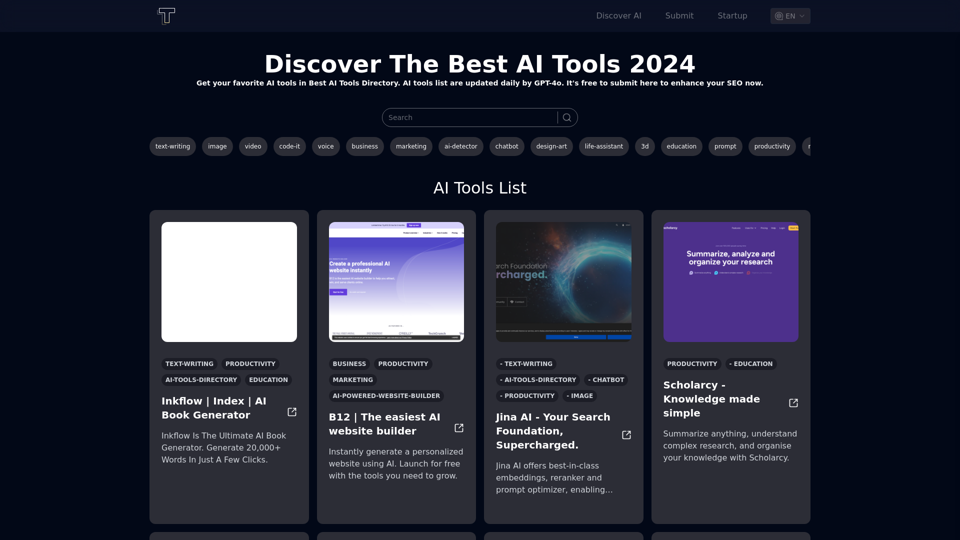
Discover the top AI tools of 2024 with the bestaitoolsforthat.com AI Directory! Explore the best and latest innovations in artificial intelligence technology.
0
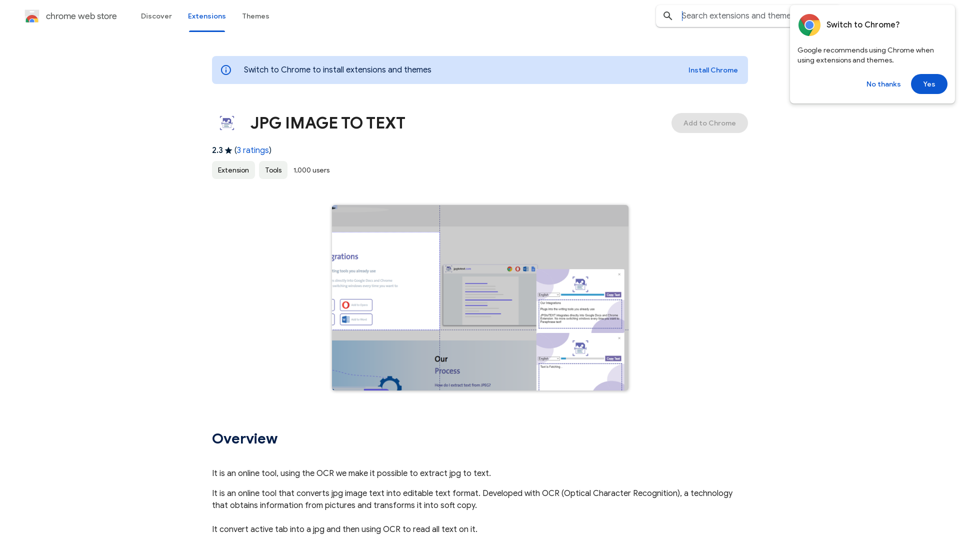
Converting JPG Images to Text Converting a JPG image to text is a process known as Optical Character Recognition (OCR). This technology enables you to extract text from images, scanned documents, and photos. Here's how to do it: Method 1: Online OCR Tools You can use online OCR tools to convert JPG images to text. Here are the steps: 1. Upload your JPG image: Go to an online OCR tool website, such as Online OCR Tools or OCR.space, and upload your JPG image. 2. Select the language: Choose the language of the text in your image. 3. Click on "Convert": The tool will convert the image to text. 4. Download the text: You can download the extracted text as a Word document, PDF, or plain text file. Method 2: Google Drive You can also use Google Drive to convert JPG images to text. Here's how: 1. Upload your JPG image: Upload your JPG image to Google Drive. 2. Right-click on the image: Right-click on the uploaded image and select "Open with" > "Google Docs". 3. The image will be converted: Google Docs will automatically convert the image to text. 4. Edit and download: You can edit the extracted text and download it as a Word document or PDF. Method 3: Adobe Acrobat If you have Adobe Acrobat installed on your computer, you can use it to convert JPG images to text. Here's how: 1. Open Adobe Acrobat: Open Adobe Acrobat on your computer. 2. Create a new document: Create a new document and click on "Tools" > "Recognize Text". 3. Select the image: Select the JPG image you want to convert. 4. Click on "Recognize": Adobe Acrobat will convert the image to text. 5. Edit and save: You can edit the extracted text and save it as a Word document or PDF. These are the three methods to convert JPG images to text. Choose the method that works best for you!
Converting JPG Images to Text Converting a JPG image to text is a process known as Optical Character Recognition (OCR). This technology enables you to extract text from images, scanned documents, and photos. Here's how to do it: Method 1: Online OCR Tools You can use online OCR tools to convert JPG images to text. Here are the steps: 1. Upload your JPG image: Go to an online OCR tool website, such as Online OCR Tools or OCR.space, and upload your JPG image. 2. Select the language: Choose the language of the text in your image. 3. Click on "Convert": The tool will convert the image to text. 4. Download the text: You can download the extracted text as a Word document, PDF, or plain text file. Method 2: Google Drive You can also use Google Drive to convert JPG images to text. Here's how: 1. Upload your JPG image: Upload your JPG image to Google Drive. 2. Right-click on the image: Right-click on the uploaded image and select "Open with" > "Google Docs". 3. The image will be converted: Google Docs will automatically convert the image to text. 4. Edit and download: You can edit the extracted text and download it as a Word document or PDF. Method 3: Adobe Acrobat If you have Adobe Acrobat installed on your computer, you can use it to convert JPG images to text. Here's how: 1. Open Adobe Acrobat: Open Adobe Acrobat on your computer. 2. Create a new document: Create a new document and click on "Tools" > "Recognize Text". 3. Select the image: Select the JPG image you want to convert. 4. Click on "Recognize": Adobe Acrobat will convert the image to text. 5. Edit and save: You can edit the extracted text and save it as a Word document or PDF. These are the three methods to convert JPG images to text. Choose the method that works best for you!It is an online tool that uses Optical Character Recognition (OCR) to make it possible to extract text from images in JPG format.
193.90 M
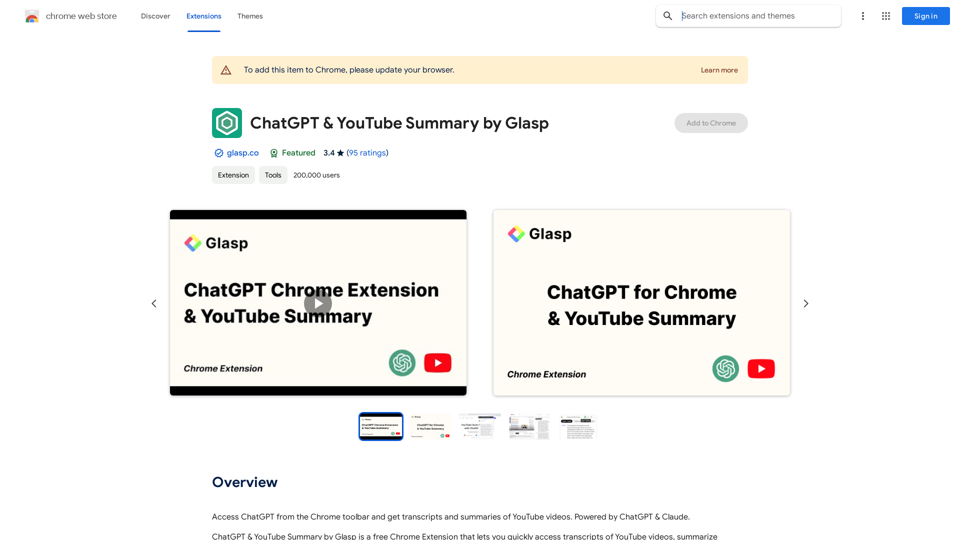
Access ChatGPT from the Chrome toolbar and get transcripts and summaries of YouTube videos. Powered by ChatGPT & Claude.
193.90 M
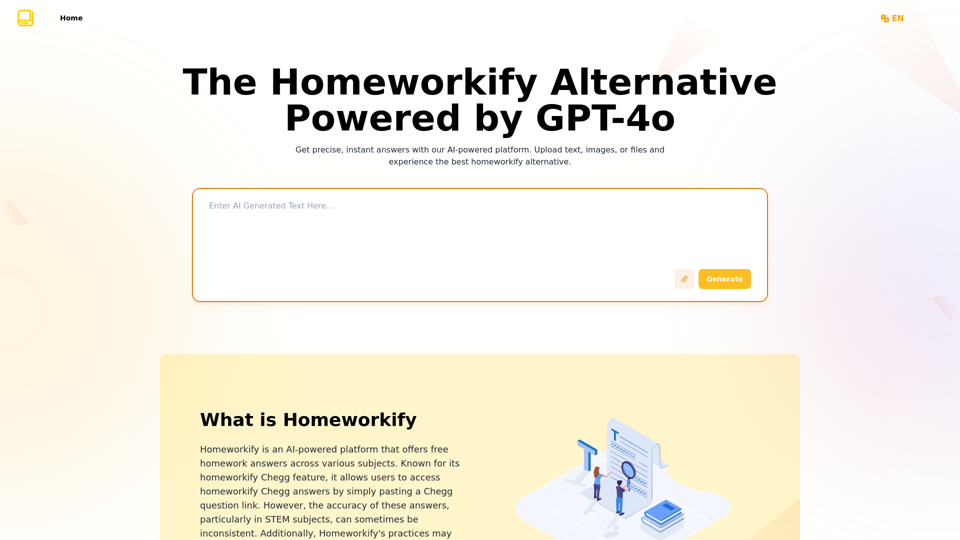
Homeworkify.im: The GPT-4o Powered Homeworkify Alternative
Homeworkify.im: The GPT-4o Powered Homeworkify AlternativeDiscover Homeworkify.im, the top homeworkify alternative offering free online AI-powered solutions. Upload text, images, or files for accurate and instant homework help across all subjects.
10.90 K

Fast and Affordable Logo Generator for Small Businesses
Fast and Affordable Logo Generator for Small BusinessesGenerate unique logos quickly and affordably with Aikiu Studio. Create professional designs for small businesses and solopreneurs in minutes. Get high-quality, hassle-free logo creation.
0