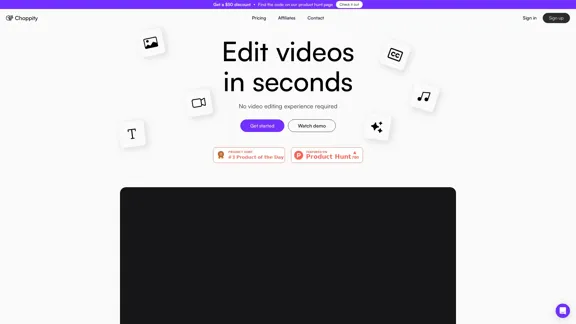
Choppity is an AI-powered video editing tool designed for users of all skill levels. It simplifies the video editing process, making it accessible to everyone, from beginners to professionals. With features like AI-driven clip search, transcript-based editing, and automatic subtitles, Choppity aims to revolutionize the way people create and edit videos.
Choppity - AI video editing
Choppity® uses AI to edit your videos for you. Choppity can help you grow. Try it for free.
Introduction
Feature
-
ClipAnything AI
- Analyzes video content including sound, visuals, emotions, speech, and music
- Allows users to find specific moments in videos using text prompts
-
Transcript-Based Editing
- Edit videos by highlighting sections in the transcript
- Simplifies the editing process, making it similar to editing a text document
-
AI Subtitles
- Automatically generates subtitles for videos
- Customizable fonts, colors, and animations for subtitles
-
Profanity Censoring
- Automatically censors curse words
- Helps avoid issues with social media algorithms and maximizes reach
-
Magic Reframe™
- Converts landscape videos to portrait or square format
- Ensures all speakers remain visible in the frame
-
Magic Follow™
- Tracks and centers moving subjects
- Maintains focus on subjects when converting landscape to portrait videos
-
Magic Clips™
- Detects the most engaging and viral clips from longer videos
- Saves time in identifying key moments
-
Timeline Templates
- Save and reuse editing styles across multiple videos
- Includes captions, background music, and image overlays
-
Stock Media Library
- Access to 3M+ stock images and videos
- Free for commercial use
-
Brand Customization
- Upload custom fonts
- Customize colors and animations to match brand identity
How to Use?
-
Utilize the ClipAnything AI feature to quickly find specific moments in your videos by using descriptive text prompts.
-
Take advantage of the transcript-based editing to make quick cuts and adjustments without needing to scrub through the video timeline.
-
Experiment with different subtitle styles to find the best fit for your video's aesthetic and platform requirements.
-
Use the Magic Reframe™ and Magic Follow™ features when repurposing landscape videos for portrait-oriented platforms like TikTok or Instagram Reels.
-
Save your favorite editing styles as timeline templates to maintain consistency across your video content and speed up future editing processes.
FAQ
Is Choppity suitable for professional video editors?
While Choppity is designed to be user-friendly for beginners, it also offers advanced features and flexibility that can benefit professional video editors, especially for quick edits and social media content creation.
Can I use Choppity for commercial projects?
Yes, Choppity's stock media library is free for commercial use, and the platform is designed to support both personal and professional video editing needs.
How does Choppity compare to traditional video editing software?
According to Choppity, it's 10x faster than traditional video editing software and 35x cheaper than outsourcing video editing, while maintaining a 100% intuitive and flexible editing interface.
Is there customer support available?
Yes, Choppity offers world-class customer support with direct access to human representatives dedicated to helping users with their video editing needs.
Price
Choppity offers a $50 discount, which can be found on their Product Hunt page. Specific pricing tiers are not provided in the given content, but they do mention a "Get started for free" option.
The price is for reference only, please refer to the latest official data for actual information.
Evaluation
-
Choppity's AI-driven features, such as ClipAnything AI and Magic Reframe™, offer innovative solutions to common video editing challenges, potentially saving users significant time and effort.
-
The user-friendly interface and transcript-based editing make it accessible to beginners while still providing flexibility for more experienced users.
-
The integration of a stock media library and customization options enhances the tool's versatility for various content creation needs.
-
While the AI features are impressive, their effectiveness in real-world scenarios may vary, and users might still need some video editing knowledge to achieve professional-quality results.
-
The lack of clear pricing information on the main page could be a drawback for potential users trying to assess the tool's value proposition.
-
The emphasis on customer support and the personal touch from the founders could be appealing to users who value responsive assistance and a connection with the product creators.
Related Websites
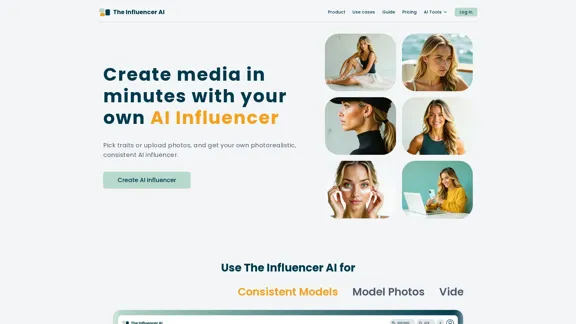
AI influencer content in minutes: create stunning images and videos with one consistent virtual persona, skipping weeks of production with The Influencer AI.
111.22 K
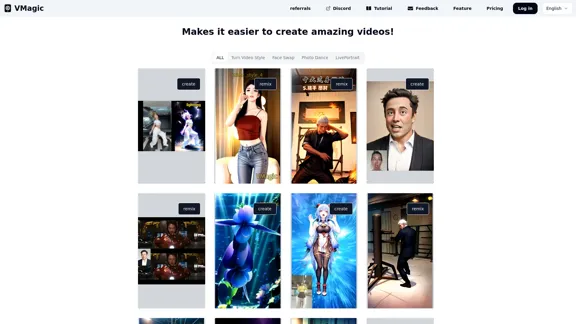
VMagic AI: Convert Videos to Animations & AI Face Swap
VMagic AI: Convert Videos to Animations & AI Face SwapAI video platform featuring video-to-animation conversion, image dance, AI video face swap, face motion, and video enhancer
1.04 K
building models & products for text-to-speech, avatars, lip synchronization and conversational speech!
112.54 K
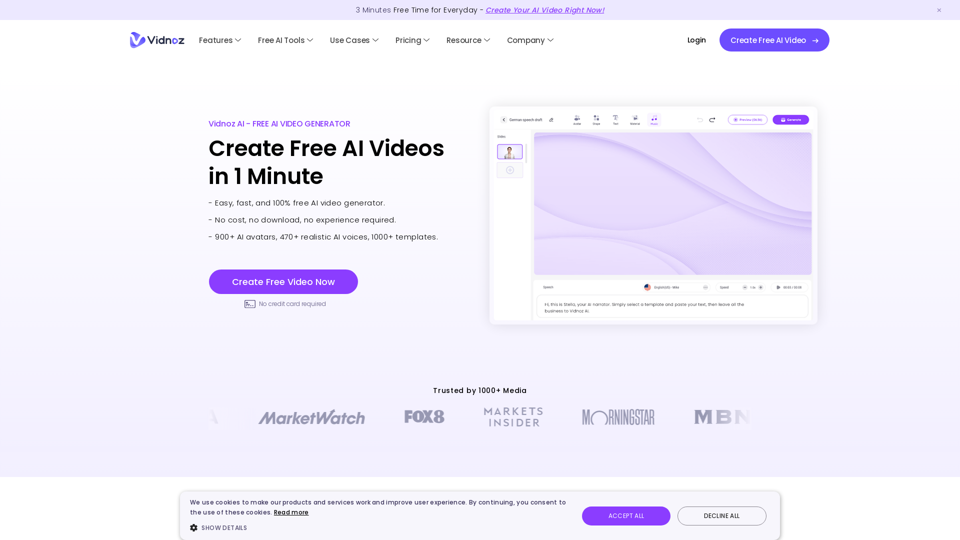
Vidnoz AI Tools: Create FREE Engaging AI Videos 10X Faster
Vidnoz AI Tools: Create FREE Engaging AI Videos 10X FasterVidnoz is the leading provider of free online video creation tools, powered by AI and intelligent automation. Use Vidnoz AI tools to create successful videos!
5.20 M
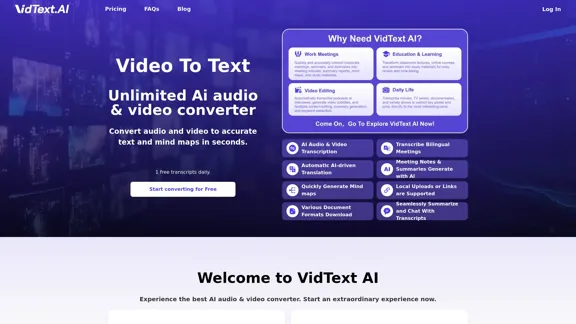
VidText AI - Fast and Accurate Video and Audio to Text. Free Daily AI Transcription.
VidText AI - Fast and Accurate Video and Audio to Text. Free Daily AI Transcription.VidText AI is an AI-driven tool that quickly and accurately transcribes video and audio to text. It supports over 100 languages, generates mind maps, allows for 15 hours of uploads, and boasts over 99% accuracy. It is perfect for meetings, lectures, interviews, and content creators, helping you effortlessly transcribe video and audio into accurate and readable text and mind maps.
2.97 K
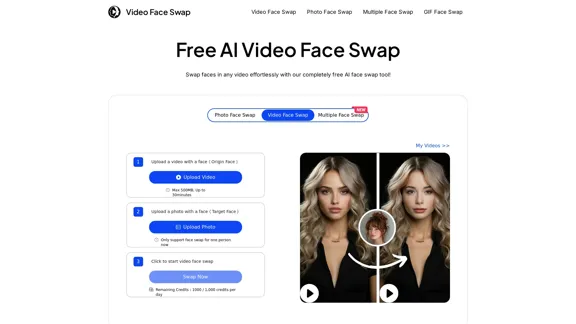
AI Video Face Swap - Free Online Face Swapping Tool
AI Video Face Swap - Free Online Face Swapping ToolSwap faces in videos with AI-powered precision. Our free online video face swap tool offers fast, secure, and high-quality results. No downloads needed!
334.26 K
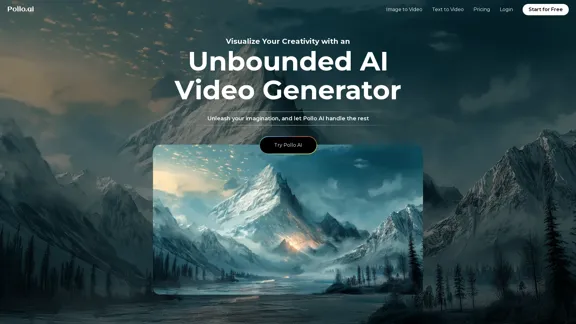
AI Video Generator: Create Realistic/Imaginary HD Videos | Pollo AI
AI Video Generator: Create Realistic/Imaginary HD Videos | Pollo AIUse Pollo AI, the industry-leading AI video generator, to create videos with text prompts, images, or videos. Turn your ideas into videos with high resolution and quality.
6.29 M
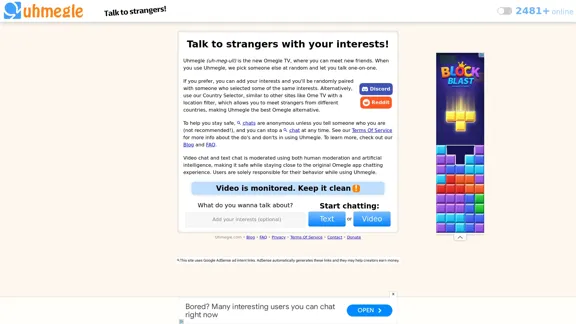
Uhmegle: Omegle Alternative for Video and Text Chat
Uhmegle: Omegle Alternative for Video and Text ChatExplore Uhmegle, a new Omegle alternative for free video and text chats. Talk to strangers globally with our new Omegle TV feature.
7.81 M