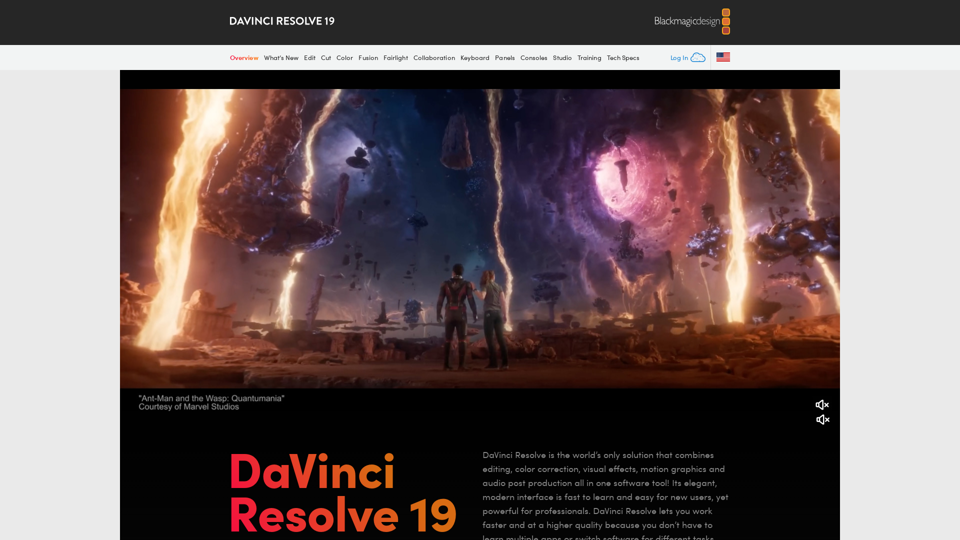
DaVinci Resolve 19 is a comprehensive post-production software solution developed by Blackmagic Design. It combines professional-grade tools for video editing, color correction, visual effects, motion graphics, and audio post-production. Considered the industry standard for high-end film and television post-production, DaVinci Resolve 19 offers a wide range of features and capabilities suitable for both beginners and experienced professionals.
DaVinci Resolve 19 | Blackmagic Design
Professional video editing, color correction, visual effects and audio post production all in a single application. Free and paid versions for Mac, Windows and Linux.
Introduction
Feature
All-in-One Post-Production Solution
- Video editing
- Color correction and grading
- Visual effects and motion graphics (Fusion)
- Audio editing and mixing (Fairlight)
- 8K resolution and HDR workflow support
- Multi-user collaboration features
Professional Tools and Workflow
- Non-linear video editing
- Advanced color grading
- AI-powered tools (DaVinci Neural Engine)
- Wide format support for import/export
- Third-party plugin and hardware integration
Organized Workspace
- Media Page: Import and organize footage
- Cut Page: Fast editing for quick turnaround projects
- Edit Page: Traditional non-linear editing interface
- Fusion Page: Visual effects and motion graphics
- Color Page: Professional color grading tools
- Fairlight Page: Audio editing and mixing
- Deliver Page: Export and render final projects
Flexible Pricing Options
| Version | Price | Features |
|---|---|---|
| DaVinci Resolve (Free) | $0 | Fully-featured free version |
| DaVinci Resolve Studio | $295 | Adds additional effects, 3D tools, and advanced features |
Industry-Standard Software
- Used by Hollywood professionals
- Regular updates with new features
- Seamless integration between editing, VFX, color, and audio
- Support for latest video technologies and formats
FAQ
What are the system requirements for DaVinci Resolve 19?
- Windows 10/11 or macOS 10.15 or later
- 16GB RAM (32GB+ recommended)
- Dedicated GPU with 4GB+ VRAM
- Fast SSD storage
Can I use DaVinci Resolve for YouTube videos?
Yes, DaVinci Resolve is excellent for creating YouTube content, from basic edits to professional-grade productions.
Does DaVinci Resolve support proxy editing?
Yes, DaVinci Resolve has robust proxy editing capabilities for smooth performance with high-resolution footage.
Can I collaborate with others using the free version?
Yes, the free version of DaVinci Resolve 19 includes multi-user collaboration features.
Is DaVinci Resolve difficult to learn?
While powerful, DaVinci Resolve has a user-friendly interface and many learning resources available. The Cut page is designed for easy use by beginners.
Related Websites
Transform text prompts into stunning videos effortlessly with Vidu Studio AI. Perfect for both professionals and beginners seeking easy, high-quality video...
10.45 K
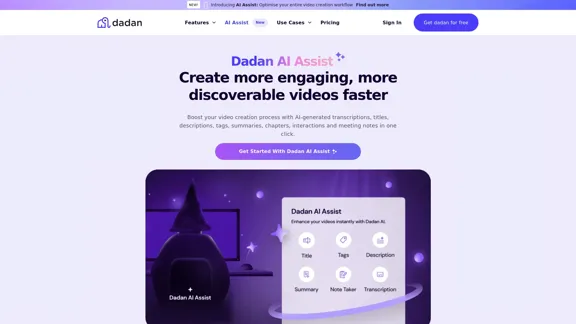
Dadan AI Assist: Create more engaging, more discoverable videos faster
Dadan AI Assist: Create more engaging, more discoverable videos fasterEnhance your video production workflow with our powerful suite of AI video tools.
144.59 K
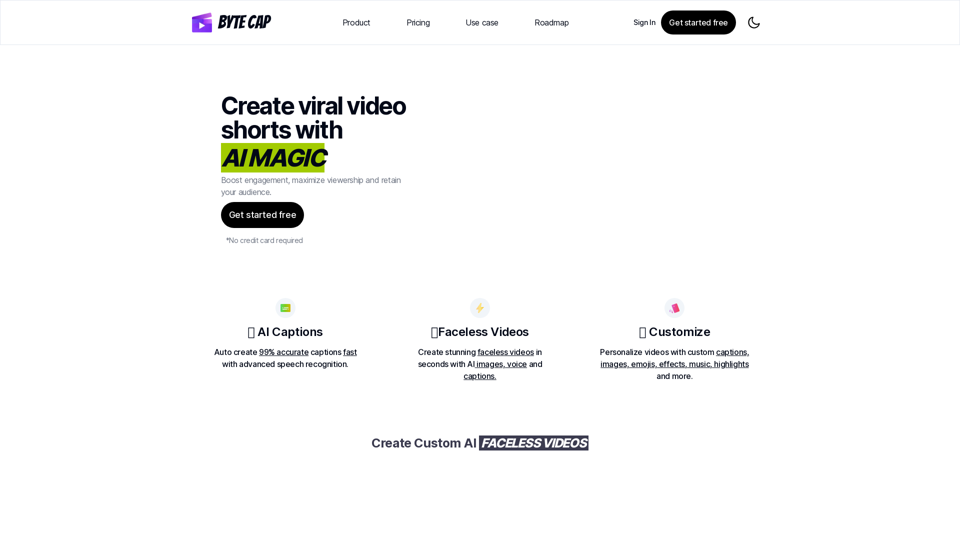
Bytecap - Enhance your videos with personalized AI captions
Bytecap - Enhance your videos with personalized AI captionsEnhance your videos with personalized captions Increase engagement, expand your audience, and improve viewer retention.
5.96 K
Play Sprunki OC Mod online - Create custom characters, mix music, and join the creative community. Free browser-based music game with OC maker.
0
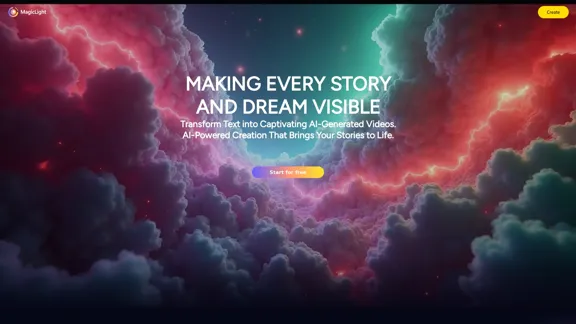
Magic Light AI - Free AI Art Generator, Text to Image to Video! AI Studio School
Magic Light AI - Free AI Art Generator, Text to Image to Video! AI Studio SchoolMagicLight AI is an innovative AI text-to-image-to-video platform that easily transforms your written content into engaging, professional-quality videos. Ideal for marketers, school educators, and content creator studios, our tool enables you to produce dynamic video content in minutes—Free AI Art Generator enhancing your digital storytelling and marketing initiatives.
822.97 K
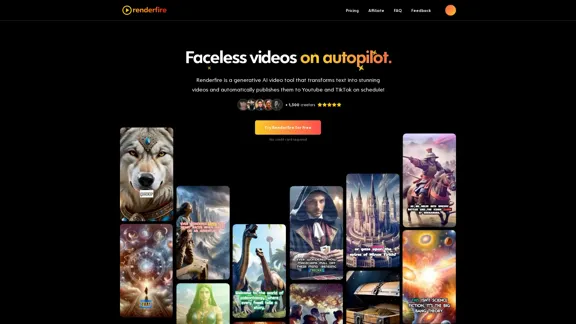
Discover Renderfire – the revolutionary app that completely automates Faceless Videos from start to finish. Just provide a topic and our AI will create and post fresh videos to your YouTube or TikTok daily.
0
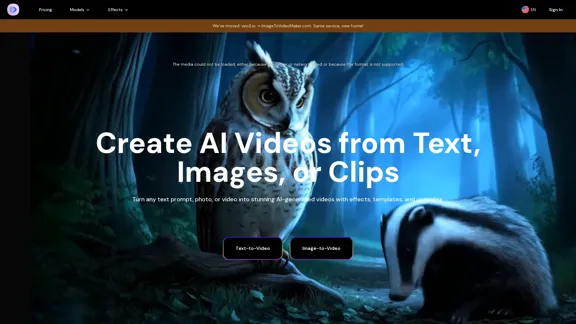
AI Video Generator – Create Videos from Text, Images, or Clips | Image-to-Video Maker
AI Video Generator – Create Videos from Text, Images, or Clips | Image-to-Video MakerGenerate AI videos from text, images, or video clips with the Image-to-Video Maker. Add effects, templates, and upscale to 4K—all in one powerful video platform.
25.40 K