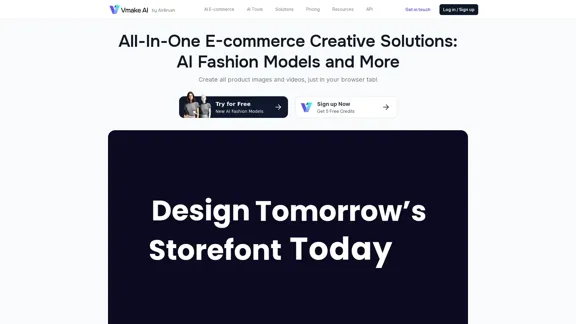
Vmake AI is an innovative e-commerce creative solution platform that leverages artificial intelligence to revolutionize product imagery and video creation. This all-in-one platform offers a suite of AI-powered tools designed to enhance product photography, create fashion model images, and improve video quality. Catering to e-commerce businesses, fashion enterprises, and content creators, Vmake AI aims to boost conversion rates, increase production efficiency, and elevate average order values.
Vmake AI - All-In-One E-commerce Creative Solutions
Vmake is an online image and video editing platform that simplifies the process of creating product photos and social media content.
Introduction
Feature
AI Fashion Model Studio
Create stunning fashion model images for your products using advanced AI technology. This feature allows you to showcase your apparel on diverse AI-generated models, eliminating the need for expensive photoshoots.
AI Product Photography
Generate high-quality product images quickly and efficiently. This tool enables you to create professional-looking product photos without the need for a physical studio or photographer.
Video and Image Enhancement Tools
Improve the quality of your existing visual content with AI-powered enhancement tools. These include:
- Video Quality Enhancer
- Image Quality Enhancer
- AI Image Extender
- Image Color Changer
- AI Image Variations
Background Removal and Replacement
Easily remove or replace backgrounds in both videos and images. This feature allows for versatile content creation and product presentation.
Watermark Removal
Remove unwanted watermarks from both videos and images, giving you more flexibility in content usage and repurposing.
Mobile App Availability
Access Vmake AI's powerful tools on-the-go with their mobile app, available on app stores for convenient content creation.
Cost-Effective and Time-Saving
Vmake AI offers a more affordable alternative to traditional photoshoots, with the ability to generate photos within hours, significantly reducing production time and costs.
FAQ
What are the main benefits of using Vmake AI?
Vmake AI offers several key benefits:
- +45% increase in conversion rate
- 2x improvement in production efficiency
- +25% increase in average order value
- +30% increase in repeat customers
How much does Vmake AI cost?
Vmake AI offers a free trial with 5 credits. Paid plans start from $19.99, providing access to their full suite of AI-powered tools.
Who is the target audience for Vmake AI?
Vmake AI caters to:
- E-commerce businesses
- Fashion enterprises
- Apparel brands
- Content creators
- Marketing professionals
What sets Vmake AI apart from traditional content creation methods?
Vmake AI offers several advantages:
- Cost-effectiveness compared to traditional photoshoots
- Significant time savings (photos ready within hours)
- Access to a diverse range of AI models and backgrounds
- User-friendly platform
- Mobile app for on-the-go content creation
Is Vmake AI available on mobile devices?
Yes, Vmake AI offers a mobile app available on app stores, allowing users to create content on-the-go.
Latest Traffic Insights
Monthly Visits
2.22 M
Bounce Rate
34.33%
Pages Per Visit
3.70
Time on Site(s)
158.12
Global Rank
23659
Country Rank
India 5065
Recent Visits
Traffic Sources
- Social Media:1.23%
- Paid Referrals:0.36%
- Email:0.04%
- Referrals:3.09%
- Search Engines:66.12%
- Direct:29.16%
Related Websites
Scrape G2 Reviews and Download to Excel - Extract G2 Reviews Data Easily
Scrape G2 Reviews and Download to Excel - Extract G2 Reviews Data EasilyInstantly download G2 product reviews
193.90 M
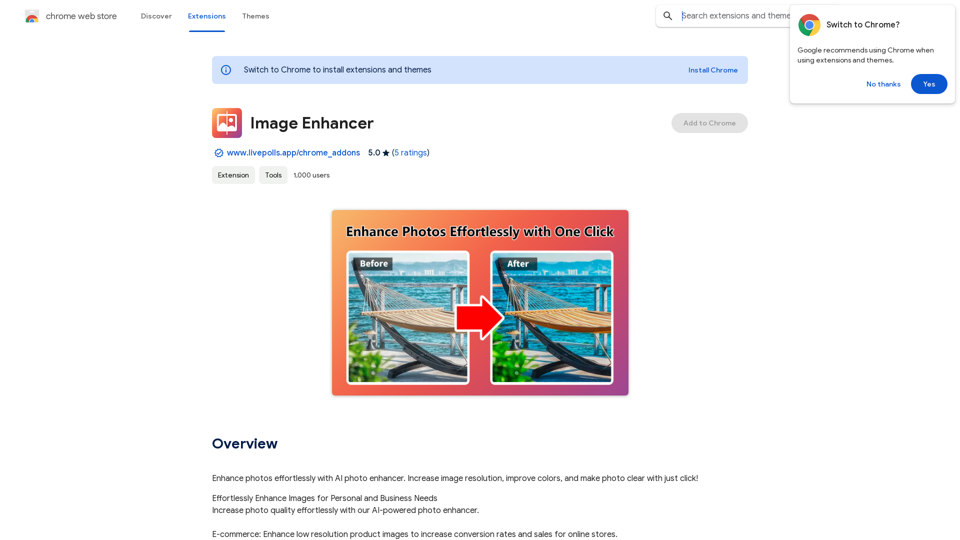
Enhance photos effortlessly with AI photo enhancer. Increase image resolution, improve colors, and make photo clear with just a click!
193.90 M
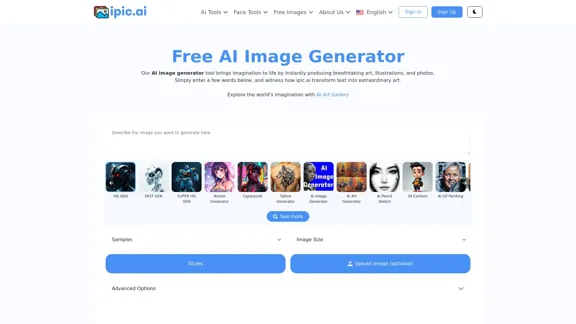
AI Powered Image Generator for Unique and Custom Images
AI Powered Image Generator for Unique and Custom ImagesCreate unique and custom images effortlessly with iPic.Ai - the AI-powered image generator.
68.28 K
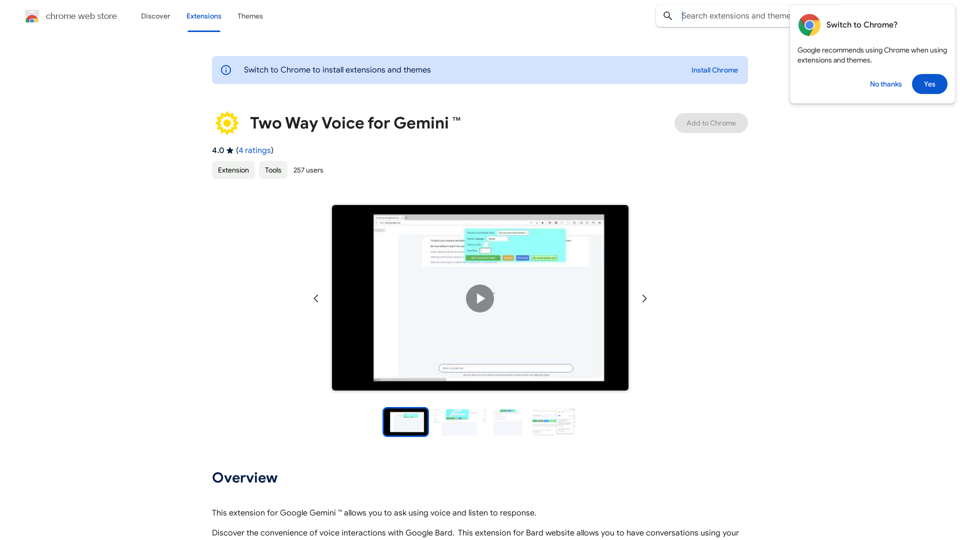
This extension for Google Gemini™ lets you ask questions using your voice and listen to the answers.
193.90 M
ChatMoney, ChatMoney AI, AI Monetization, CodeMood, CodeMood AI, AI Chat, AI Knowledge Base, AI Painting, ChatMoney was born for AI monetization.
ChatMoney, ChatMoney AI, AI Monetization, CodeMood, CodeMood AI, AI Chat, AI Knowledge Base, AI Painting, ChatMoney was born for AI monetization.Here is the translation in English, keeping the original format: ChatMoney, ChatMoneyAI, CodeMore AI, CodeMore, AI Source Code, ChatAI, ChatWork, Intelligent Chat System, Knowledge Base System, Painting System, Stable Diffusion, Midjourney, AI Chat, AI Knowledge Base, AI Painting, AI System.
0
![AI-Powered Cover Letter
==========================
Introduction
As a highly motivated and innovative professional, I am excited to apply for the [Position] role at [Company]. With a strong background in [Industry/Field], I am confident that my skills and experience make me an ideal candidate for this position.
Summary
With [Number] years of experience in [Industry/Field], I have developed a unique combination of skills in [Key Skills]. My expertise in [Technical Skills] has enabled me to [Desirable Outcome], resulting in [Desirable Metric]. I am excited to leverage my skills to drive success at [Company].
Achievements
* [ Achievement 1 ]: Developed and implemented [Project/Initiative], resulting in [Desirable Metric] and [Desirable Outcome].
* [ Achievement 2 ]: Successfully [Key Skill] to [Desirable Outcome], resulting in [Desirable Metric].
* [ Achievement 3 ]: Collaborated with [Team/Department] to [Desirable Outcome], resulting in [Desirable Metric].
Education
* [Degree], [Field of Study], [University], [Graduation Date]
* [Relevant Coursework or Specialization]
Skills
* Technical Skills: [Technical Skill 1], [Technical Skill 2], [Technical Skill 3]
* Soft Skills: [Soft Skill 1], [Soft Skill 2], [Soft Skill 3]
Why [Company]?
I am drawn to [Company] because of its [Reason for Interest]. I am impressed by the company's [Initiative/Value] and believe that my skills and experience align with its mission to [Company Mission].
Conclusion
Thank you for considering my application. I am excited about the opportunity to contribute to [Company] and discuss how my skills and experience can drive success. Please feel free to contact me at [Contact Information].
Sincerely,
[Your Name]](https://static.right-ai.com/tools/2024/7/3/chromewebstore-google-com-detail-ai-cover-letter-bcomdehdkdilamaajciocnpgapckeong-thumbnail-1720036712.png "AI-Powered Cover Letter
==========================
Introduction
As a highly motivated and innovative professional, I am excited to apply for the [Position] role at [Company]. With a strong background in [Industry/Field], I am confident that my skills and experience make me an ideal candidate for this position.
Summary
With [Number] years of experience in [Industry/Field], I have developed a unique combination of skills in [Key Skills]. My expertise in [Technical Skills] has enabled me to [Desirable Outcome], resulting in [Desirable Metric]. I am excited to leverage my skills to drive success at [Company].
Achievements
* [ Achievement 1 ]: Developed and implemented [Project/Initiative], resulting in [Desirable Metric] and [Desirable Outcome].
* [ Achievement 2 ]: Successfully [Key Skill] to [Desirable Outcome], resulting in [Desirable Metric].
* [ Achievement 3 ]: Collaborated with [Team/Department] to [Desirable Outcome], resulting in [Desirable Metric].
Education
* [Degree], [Field of Study], [University], [Graduation Date]
* [Relevant Coursework or Specialization]
Skills
* Technical Skills: [Technical Skill 1], [Technical Skill 2], [Technical Skill 3]
* Soft Skills: [Soft Skill 1], [Soft Skill 2], [Soft Skill 3]
Why [Company]?
I am drawn to [Company] because of its [Reason for Interest]. I am impressed by the company's [Initiative/Value] and believe that my skills and experience align with its mission to [Company Mission].
Conclusion
Thank you for considering my application. I am excited about the opportunity to contribute to [Company] and discuss how my skills and experience can drive success. Please feel free to contact me at [Contact Information].
Sincerely,
[Your Name]")
AI-Powered Cover Letter ========================== Introduction As a highly motivated and innovative professional, I am excited to apply for the [Position] role at [Company]. With a strong background in [Industry/Field], I am confident that my skills and experience make me an ideal candidate for this position. Summary With [Number] years of experience in [Industry/Field], I have developed a unique combination of skills in [Key Skills]. My expertise in [Technical Skills] has enabled me to [Desirable Outcome], resulting in [Desirable Metric]. I am excited to leverage my skills to drive success at [Company]. Achievements * [ Achievement 1 ]: Developed and implemented [Project/Initiative], resulting in [Desirable Metric] and [Desirable Outcome]. * [ Achievement 2 ]: Successfully [Key Skill] to [Desirable Outcome], resulting in [Desirable Metric]. * [ Achievement 3 ]: Collaborated with [Team/Department] to [Desirable Outcome], resulting in [Desirable Metric]. Education * [Degree], [Field of Study], [University], [Graduation Date] * [Relevant Coursework or Specialization] Skills * Technical Skills: [Technical Skill 1], [Technical Skill 2], [Technical Skill 3] * Soft Skills: [Soft Skill 1], [Soft Skill 2], [Soft Skill 3] Why [Company]? I am drawn to [Company] because of its [Reason for Interest]. I am impressed by the company's [Initiative/Value] and believe that my skills and experience align with its mission to [Company Mission]. Conclusion Thank you for considering my application. I am excited about the opportunity to contribute to [Company] and discuss how my skills and experience can drive success. Please feel free to contact me at [Contact Information]. Sincerely, [Your Name]
AI-Powered Cover Letter ========================== Introduction As a highly motivated and innovative professional, I am excited to apply for the [Position] role at [Company]. With a strong background in [Industry/Field], I am confident that my skills and experience make me an ideal candidate for this position. Summary With [Number] years of experience in [Industry/Field], I have developed a unique combination of skills in [Key Skills]. My expertise in [Technical Skills] has enabled me to [Desirable Outcome], resulting in [Desirable Metric]. I am excited to leverage my skills to drive success at [Company]. Achievements * [ Achievement 1 ]: Developed and implemented [Project/Initiative], resulting in [Desirable Metric] and [Desirable Outcome]. * [ Achievement 2 ]: Successfully [Key Skill] to [Desirable Outcome], resulting in [Desirable Metric]. * [ Achievement 3 ]: Collaborated with [Team/Department] to [Desirable Outcome], resulting in [Desirable Metric]. Education * [Degree], [Field of Study], [University], [Graduation Date] * [Relevant Coursework or Specialization] Skills * Technical Skills: [Technical Skill 1], [Technical Skill 2], [Technical Skill 3] * Soft Skills: [Soft Skill 1], [Soft Skill 2], [Soft Skill 3] Why [Company]? I am drawn to [Company] because of its [Reason for Interest]. I am impressed by the company's [Initiative/Value] and believe that my skills and experience align with its mission to [Company Mission]. Conclusion Thank you for considering my application. I am excited about the opportunity to contribute to [Company] and discuss how my skills and experience can drive success. Please feel free to contact me at [Contact Information]. Sincerely, [Your Name]Craft tailored cover letters in seconds using AI, based on your CV and the job description. ✍️🤖📄
193.90 M
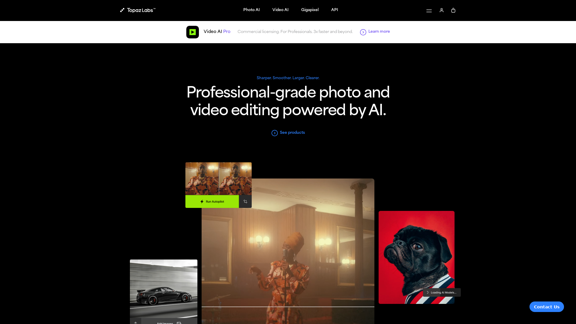
Topaz Labs | Professional-level photo and video editing powered by AI.
Topaz Labs | Professional-level photo and video editing powered by AI.Deep learning-powered photo and video enhancement software delivers the highest image quality available for noise reduction, sharpening, upscaling, and additional improvements.
3.12 M