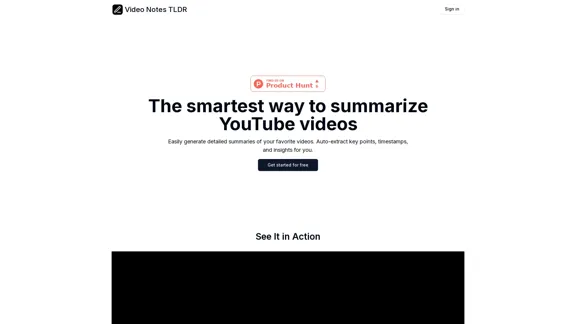
Video Notes TLDR is an AI-powered tool designed to summarize YouTube videos efficiently. Users can easily generate detailed summaries, extract key points, timestamps, and insights from their favorite videos. The platform aims to enhance the video-watching experience by providing concise and organized notes.
Video Notes TLDR: AI-Powered YouTube Video Note Generator
Simplify your YouTube experience with Video Notes TLDR, an AI tool that creates brief, insightful notes from any video. Ideal for students, professionals, and content creators who want to save time and highlight key points.
Introduction
Feature
-
Enter YouTube URL
Users can copy and paste the URL of the YouTube video they wish to summarize directly into the app.
-
Generate Insightful Notes
The tool creates a comprehensive summary of the video, allowing users to add tags for better organization.
-
Manage Your Notes
Users can export their generated notes to Notion or keep them within the app for easy reference.
-
Video Key Points with Timestamps
The summaries include key points along with timestamps, making it easy to navigate through the video content.
-
Tag Creation
Users can create tags to categorize their notes, enhancing organization and retrieval.
How to Use?
- Sign in to your Video Notes TLDR account.
- Copy the URL of the YouTube video you want to summarize.
- Paste the URL into the app and initiate the summarization process.
- Review the generated notes and add any additional tags as needed.
- Export your notes to Notion for better management or keep them within the app.
FAQ
What kind of notes will I get with each plan?
Each plan offers different limits on the number of videos and the depth of notes generated, with varying capabilities for tagging and exporting.
What happens if I exceed my plan's monthly limit?
Users may need to wait until the next billing cycle or upgrade their plan to continue generating notes.
Can I cancel my subscription at any time?
Yes, subscriptions can be canceled at any time without penalty.
What happens to my notes if I cancel my subscription?
Notes will remain accessible within the app until the subscription is canceled, after which access may be limited.
Price
| Plan | Price | Video Limit | Video Duration Limit | Notes Features |
|---|---|---|---|---|
| Basic | Free | 5 videos a month | Up to 5 minutes | Basic AI-generated notes, 3 tags |
| Standard | $9.99/month | 20 videos a month | Up to 10 minutes | Detailed notes, 10 tags |
| Premium | $29.99/month | 50 videos a month | Up to 30 minutes | In-depth notes, unlimited tags |
The price is for reference only, please refer to the latest official data for actual information.
Evaluation
-
Video Notes TLDR effectively simplifies the process of summarizing YouTube videos, making it a valuable tool for users who want to extract key insights quickly.
-
The tiered pricing structure offers flexibility, catering to different user needs, from casual viewers to more intensive users.
-
However, the limitations on video length and the number of videos per month in lower tiers may restrict usage for some users.
-
Overall, while the tool is user-friendly and efficient, enhancing the capabilities of the free plan could attract a broader audience and encourage more users to transition to paid plans.
Related Websites
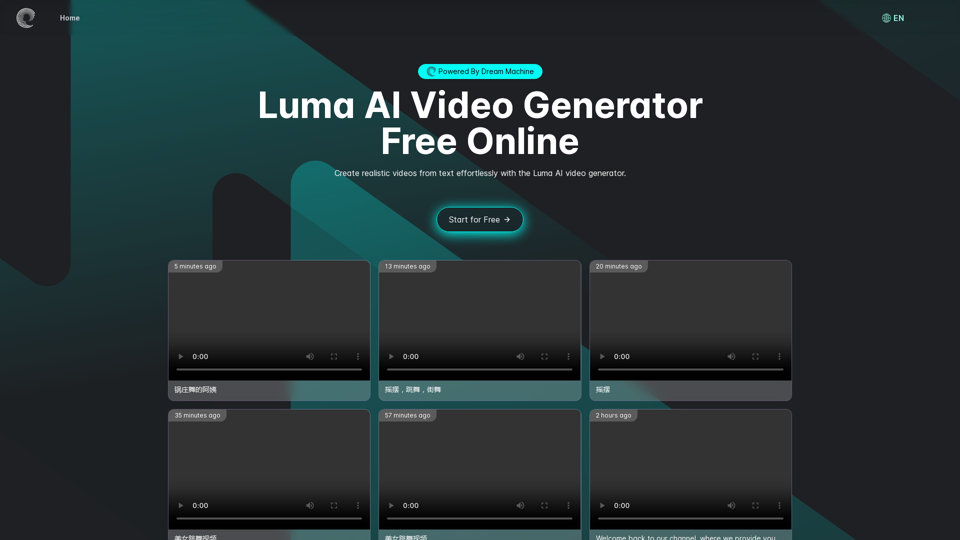
Luma AI Video Generator Free Online - Powered By Dream Machine
Luma AI Video Generator Free Online - Powered By Dream MachineDiscover Luma AI, a video generator from Luma Labs. It's a powerful tool that makes high-quality videos from text descriptions. Check out Luma AI's Dream Machine and compare it to OpenAI's Sora. You'll see how special Luma Video AI technology is.
446.17 K
Conch Video-a product of MiniMax, leading the revolution in video creation
Conch Video-a product of MiniMax, leading the revolution in video creationConch AI is an AI partner created for users based on MiniMax's self-developed multi-modal large language model. It can help you intelligently search for questions and answers, accurately recognize and analyze images, immerse voice calls, professional/creative writing, document speed reading and summarization, and exclusive The floating ball function helps you simplify trivial matters. Obtain information 10 times faster and solve problems 10 times faster. From students to workers, or freelance workers, or creators, no matter what role you are in, you can call it at any time. You can use it right away and ask questions when you open your mouth, whether it is AI writing, AI search, AI office, AI translation, AI Programming, AI creation, AI document summary, or accompany you in AI chat, AI dialogue, oral practice, and mock interviews. It is your all-round AI assistant.
619.57 K
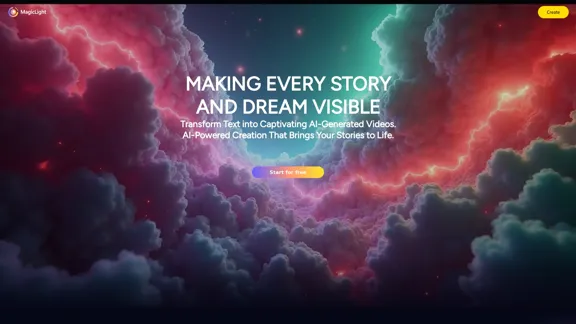
Magic Light AI - Free AI Art Generator, Text to Image to Video! AI Studio School
Magic Light AI - Free AI Art Generator, Text to Image to Video! AI Studio SchoolMagicLight AI is an innovative AI text-to-image-to-video platform that easily transforms your written content into engaging, professional-quality videos. Ideal for marketers, school educators, and content creator studios, our tool enables you to produce dynamic video content in minutes—Free AI Art Generator enhancing your digital storytelling and marketing initiatives.
822.97 K

Scale your TikTok and Instagram content with AI-generated user content.
Scale your TikTok and Instagram content with AI-generated user content.The #1 UGC creator. Scale TikTok & Instagram content with AI UGC. With AI-powered avatars, you can generate high-quality UGC videos in minutes. Just write your script, choose an avatar, and let AI handle the rest.
9.35 K

Complete Walkthrough & Guide for Dreamy Room Level 1-145 | Video Tutorial Collection
Complete Walkthrough & Guide for Dreamy Room Level 1-145 | Video Tutorial CollectionLooking for a Dreamy Room guide? We provide detailed video walkthroughs and guides for all Dreamy Room levels (Level 1-145), covering puzzle-solving techniques for every Dreamy Room Level to help you pass easily. Get the latest Dreamy Room level guide and enjoy the game!
24.36 K
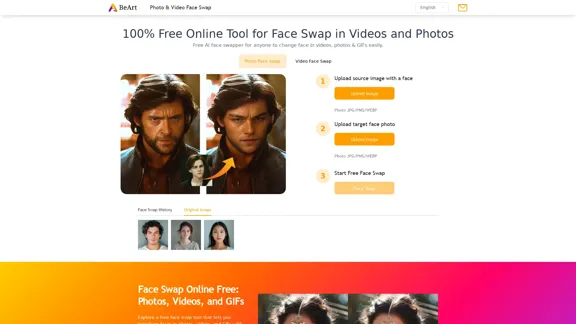
Free Online AI Face Swap for Images, Videos & GIFs
Free Online AI Face Swap for Images, Videos & GIFsTry the best free face swap for photos, videos, and GIFs. No download, no watermark—upload and swap faces in seconds. Perfect for deepfakes. Start now online!
999.81 K
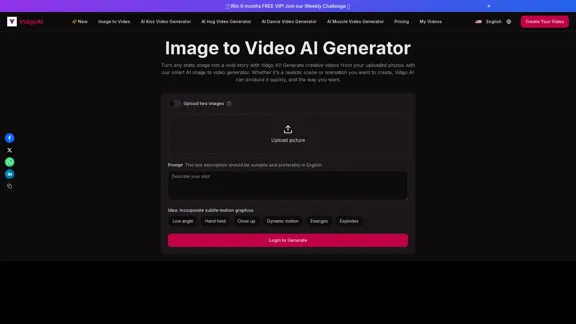
Image to Video AI Generator: Convert Images into Videos for Free
Image to Video AI Generator: Convert Images into Videos for FreeUse the Vidgo AI image to video generator for free. Transform photos into videos with high-quality and engaging results. Try our image to video AI now!
206.70 K