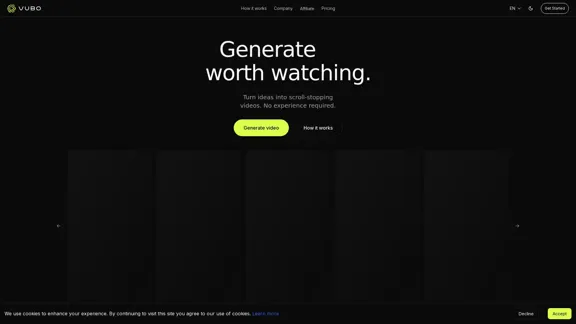
VUBO is a user-friendly platform designed to generate viral-ready videos in seconds, catering to users with no prior video editing experience. By simply selecting a template and making a few choices, users can create engaging videos that are optimized for various platforms. The service offers multiple pricing plans, ensuring accessibility for different needs.
Generate Viral Ready Videos in Seconds
Generate viral-ready videos in seconds! VUBO replaces complex video editing tools and saves you countless hours. Create videos like Would You Rather, Couples Trivia, Quizzes, AI Stories, and more!
Introduction
Feature
-
Template Selection
Users can choose from a variety of templates to kickstart their video creation process, making it easy to find a style that fits their content.
-
Customizable Options
After selecting a template, users can customize their videos by making selections related to duration, language, and voiceover options.
-
Quick Video Generation
VUBO allows users to generate videos quickly, with an estimated duration for video creation ranging from 30 seconds to 2 minutes.
-
Multiple Export Options
The platform supports different export qualities, including 720p and 1080p, catering to various needs and preferences.
-
Post Scheduling
Users can schedule their video posts in advance, facilitating better content management and planning.
-
Custom Branding
The service allows for custom branding, enabling businesses to maintain their identity in the videos they create.
-
Priority Support
Subscribers to higher-tier plans receive priority support, ensuring that any issues or questions are addressed promptly.
How to Use?
- Start by selecting a template that aligns with your video idea.
- Make necessary selections regarding duration, language, and voiceover.
- Hit the generate button to create your video.
- Review the generated video and customize it further if needed.
- Utilize the post scheduling feature to plan your video releases effectively.
FAQ
What platforms are the videos optimized for?
VUBO videos are optimized for various social media platforms, ensuring they meet the requirements for effective engagement.
Can I customize my videos?
Yes, users can customize their videos by selecting different options during the creation process.
How long does it take to generate a video?
The video generation process typically takes between 30 seconds to a few minutes, depending on the complexity of the video.
Can I monetize the videos I create?
Yes, users can monetize the videos created on VUBO, as they are copyright-free.
Do I need prior video editing experience?
No, VUBO is designed for users with no prior video editing experience, making it accessible to everyone.
Price
| Plan | Monthly Price | Annual Price | Credits | Export Quality | Workspaces | Storage |
|---|---|---|---|---|---|---|
| Starter | $29 | $396 | 600 | 720p | 1 | 30 days |
| Standard | $39 | $491 | 1200 | 1080p | 5 | 60 days |
| Pro | $99 | $149 | 3000 | 1080p | 10 | 120 days |
The price is for reference only, please refer to the latest official data for actual information.
Evaluation
-
VUBO excels in providing a straightforward interface that allows users to create videos quickly and efficiently, making it suitable for beginners and those with limited experience.
-
The variety of templates and customization options enhances user creativity, allowing for diverse video outputs.
-
However, the platform could benefit from additional features such as advanced editing tools for users who may want more control over their video content.
-
The pricing structure is competitive, but offering a free trial could attract more users who are hesitant to commit without testing the service first.
-
Overall, VUBO is a valuable tool for anyone looking to create engaging videos rapidly, though it may not fully satisfy advanced users seeking in-depth editing capabilities.
Related Websites
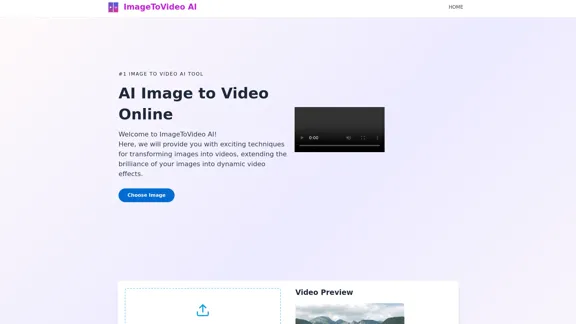
Image to video AI: Convert images to MP4, AI video creator.
Image to video AI: Convert images to MP4, AI video creator.Image to video AI Free: Effortlessly convert images to MP4 videos with our advanced AI video maker. Transform your creativity into captivating visual stories.
371.47 K
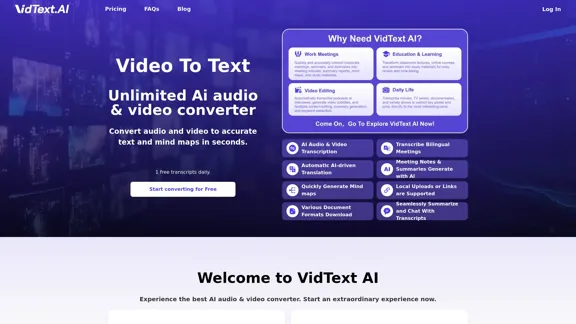
VidText AI - Fast and Accurate Video and Audio to Text. Free Daily AI Transcription.
VidText AI - Fast and Accurate Video and Audio to Text. Free Daily AI Transcription.VidText AI is an AI-driven tool that quickly and accurately transcribes video and audio to text. It supports over 100 languages, generates mind maps, allows for 15 hours of uploads, and boasts over 99% accuracy. It is perfect for meetings, lectures, interviews, and content creators, helping you effortlessly transcribe video and audio into accurate and readable text and mind maps.
2.97 K
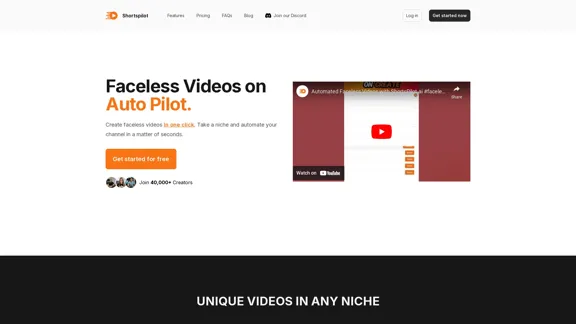
Transform your ideas into captivating short videos with ease. Our AI-powered tool automatically crafts and posts engaging shorts to your social media, effortlessly driving views and generating revenue.
51.15 K
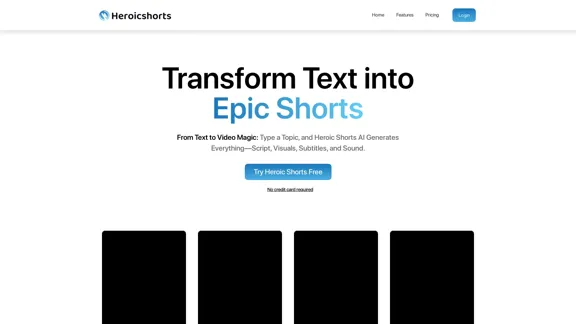
Create automated AI short videos by converting text into a 30-60 second reel. Ideal for building faceless YouTube channels.
2.52 K
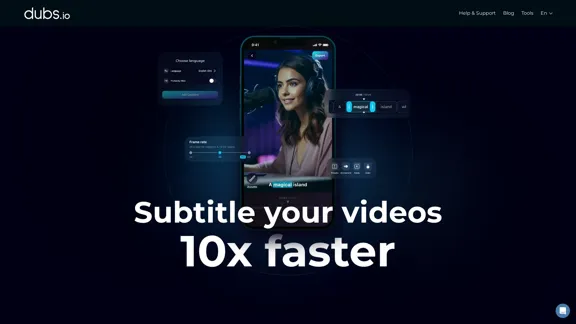
AI Subtitles and Captions Application for Your Content
AI Subtitles and Captions Application for Your ContentRevolutionize your video content with the ultimate captions app. Enhance engagement, accessibility, and discoverability effortlessly!
222.96 K
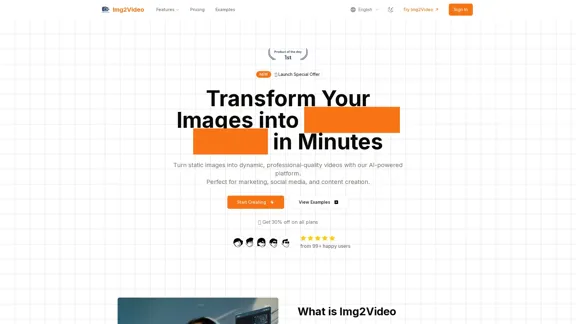
Turn static images into dynamic, professional-quality videos with our AI-powered platform. Perfect for marketing, social media, and content creation.
863
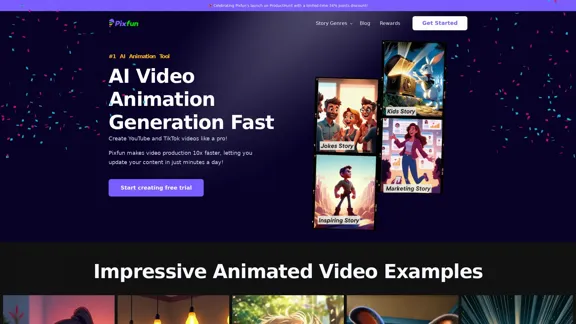
Pixfun – Fast AI Video Animation Generation for TikTok and Facebook
Pixfun – Fast AI Video Animation Generation for TikTok and Facebook33
Vidful.ai: AI Video Generator Free Online Powered by Kling AI and Luma Dream Machine
Vidful.ai: AI Video Generator Free Online Powered by Kling AI and Luma Dream MachineEffortlessly create professional videos with Vidful.ai's AI video generator free online. Leverage advanced technologies like Kuaishou Kling AI and Luma AI Dream Machine to transform text and images into stunning videos.
347.71 K