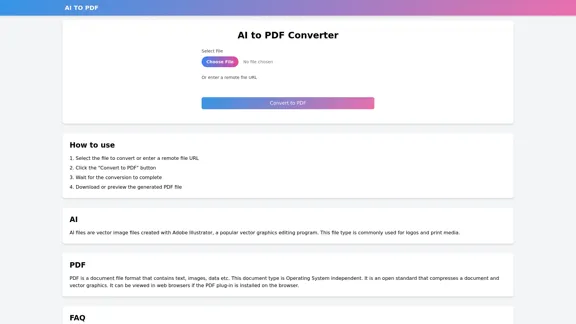
AI to PDF Converter is an online tool designed to convert AI (Adobe Illustrator) files to PDF format. This web-based service offers a simple and efficient way to transform vector graphics files into a more universally accessible document format, making it easier to share and view designs across different platforms and devices.
AI to PDF
AI to PDF Converter is a free and fast online file conversion service.
Introduction
Feature
-
File Upload Options
- Local file selection
- Remote file URL input
-
Conversion Process
- One-click conversion with "Convert to PDF" button
- Supports AI (Adobe Illustrator) files
- Converts to PDF format
-
Output Handling
- Download option for converted files
- Preview functionality for generated PDFs
-
File Format Support
- Input: AI (Adobe Illustrator) files
- Output: PDF (Portable Document Format)
-
User-Friendly Interface
- Simple, step-by-step instructions provided
- Intuitive design for ease of use
How to Use?
- Ensure your AI file is under 100MB to comply with the size limit.
- For faster conversion, optimize your AI file by removing unnecessary elements.
- Use a stable internet connection to prevent interruptions during file upload and conversion.
- If converting multiple files, process them one at a time for best results.
- Always preview the generated PDF to ensure all elements have been converted correctly.
FAQ
What file types can be converted using this tool?
This tool is specifically designed to convert AI (Adobe Illustrator) files to PDF format.
Is there a file size limit for conversion?
Yes, the maximum supported file size is 100MB. For larger files, users are advised to contact customer support.
How long does the conversion process take?
Most files are converted within seconds. However, larger or more complex files may require additional processing time.
Can I use this tool on any operating system?
Yes, as it's a web-based tool, it can be used on any operating system with a modern web browser.
Is the converted PDF editable?
The converted PDF maintains the vector qualities of the original AI file, but editing capabilities may be limited compared to the original AI format.
Evaluation
-
The AI to PDF Converter offers a straightforward solution for converting Adobe Illustrator files to PDF format, which is particularly useful for sharing vector graphics across different platforms and with users who may not have access to specialized software.
-
The tool's simplicity is a significant advantage, with a clear interface and step-by-step instructions that make it accessible to users with varying levels of technical expertise.
-
The ability to input files via local upload or remote URL adds flexibility, catering to different user needs and workflows.
-
The 100MB file size limit may be restrictive for some professional users working with complex or high-resolution designs. An option for larger file conversions, even if at a premium, could enhance the tool's versatility.
-
While the conversion process is described as quick, the lack of specific information about processing times for different file sizes and complexities could be improved to set clearer user expectations.
-
The preview functionality is a valuable feature, allowing users to check the conversion results before downloading. However, adding options for basic PDF adjustments post-conversion could further improve the tool's utility.
-
Overall, the AI to PDF Converter appears to be a useful, no-frills solution for quick and easy conversions, but there's room for enhancement in terms of file size limits and additional features to cater to more advanced users.
Latest Traffic Insights
Monthly Visits
0
Bounce Rate
0.00%
Pages Per Visit
0.00
Time on Site(s)
0.00
Global Rank
-
Country Rank
-
Recent Visits
Traffic Sources
- Social Media:0.00%
- Paid Referrals:0.00%
- Email:0.00%
- Referrals:0.00%
- Search Engines:0.00%
- Direct:0.00%
Related Websites
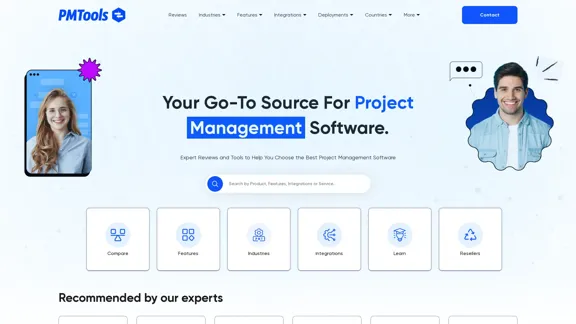
The Best Project Management Software - Tools, Reviews and More
The Best Project Management Software - Tools, Reviews and MoreOur team is passionate about testing Project Management Software based on practical experience. Take advantage of our honest reviews, read more here!
0
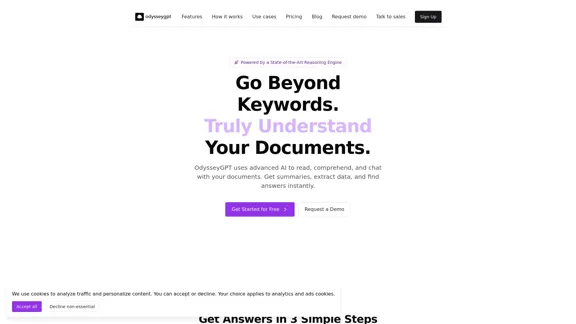
OdysseyGPT reads and genuinely understands your documents, allowing you to search, summarize, and extract insights instantly.
0
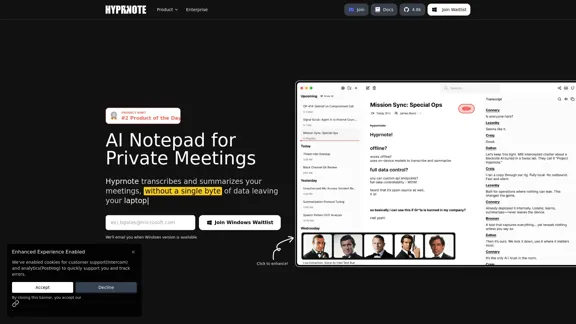
Hyprnote: A Private, Local-First AI Notetaker for Safe Meetings
Hyprnote: A Private, Local-First AI Notetaker for Safe MeetingsHyprnote is an open-source AI notetaker designed for compliance and privacy. Take and organize meeting notes entirely on your device with no data leaving your control. Think of Granola AI, but it operates entirely locally on your device.
20.63 K
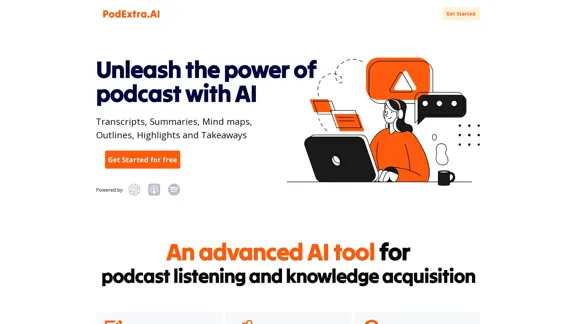
PodExtra is an innovative AI-powered podcast tool that provides transcripts, summaries, mind maps, outlines, highlights, and takeaways for your favorite podcasts. It allows you to quickly browse through the content, saving time and improving efficiency.
1.70 K
Crossword Solver AI - Get Instant Help for Any Puzzle
Crossword Solver AI - Get Instant Help for Any PuzzleGet instant crossword help with our AI-powered solver. Enter your clue and letter count to find accurate answers quickly for any puzzle, cryptic or standard.
7.02 K